Take Joseph, an illustrative example, who manages a motorcycle spares shop in Kisumu that sells on credit to boda boda riders. He wanted a tidy list of who owed what, sorted by how overdue they were. So he exported his whole customer file, with names, phone numbers, ID numbers and balances, and pasted it into a free chat assistant. The list came back beautifully sorted. And three hundred people's ID numbers were now sitting in an account Joseph had opened with his personal email, under terms he had never read.
Nobody was harmed that day, as far as he knows. That is the problem with this kind of mistake: you rarely find out. The safe habit is to decide in advance what never goes in, and learn the simple alternatives that get you the same help.
Four things that never go in#
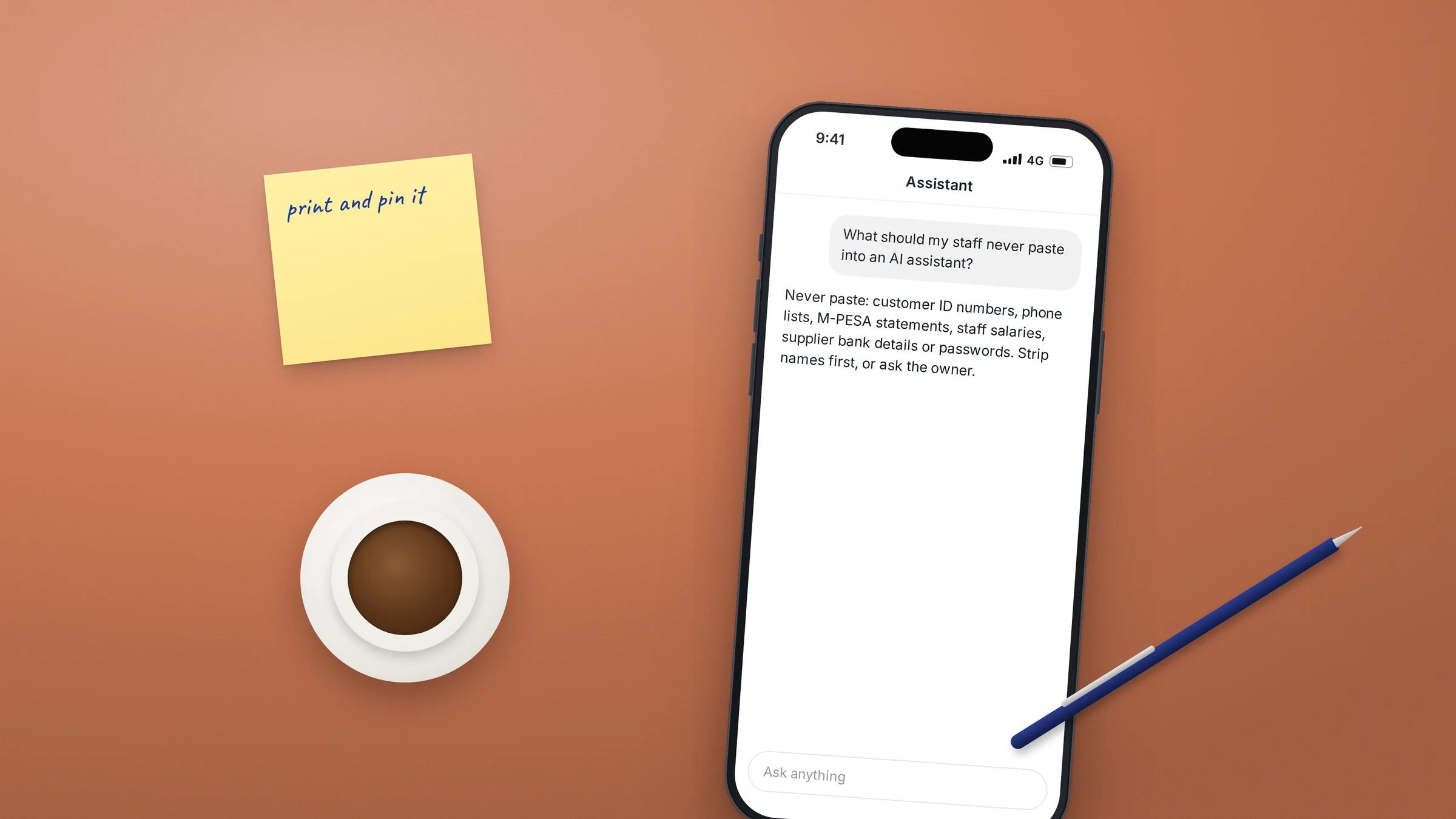
1. Passwords, PINs and keys. Your M-PESA PIN, bank logins, the password to your accounting system, API keys, the Wi-Fi password, the alarm code. There is no task an assistant needs these for. If you are asking for help with a login problem, describe the problem, not the password.
2. Identity numbers. National ID, passport, KRA PIN, NHIF or SHA numbers, driving licence, bank account and card numbers, for you or anyone else. These are the keys to someone's identity. If a draft letter needs one, use a placeholder like [ID NUMBER] and fill it in yourself.
3. Full customer or staff lists. A list of names, phone numbers and balances is a small database of personal data. Kenya's Data Protection Act 2019 puts duties on businesses that hold such data, including care about where it is sent. Check the ODPC's guidance or an adviser for what applies to you, but the practical rule is simple: do not copy the whole list out of your system.
4. Health and other sensitive details. Medical conditions, pregnancy, disability, a staff member's sick note, a customer's reason for a refund that mentions an illness. Clinics need stricter rules again; we set them out in patient privacy: what AI must never do in a clinic.
Safer ways to get the same help#
Almost every useful task can be done without the sensitive parts. Four techniques cover most cases.
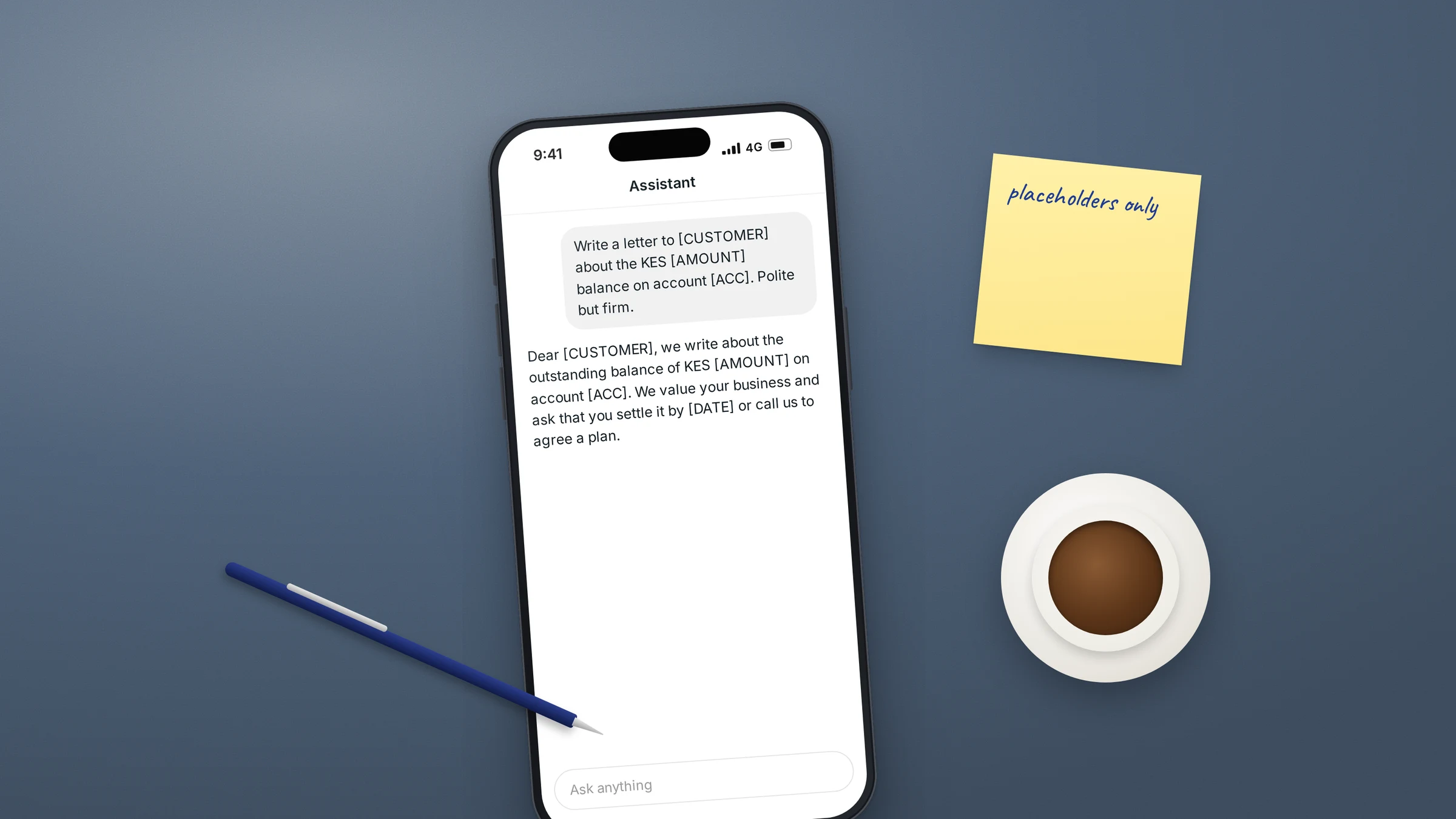
Use placeholders. Ask for the template, not the finished letter. "Write a reminder to [CUSTOMER] about KES [AMOUNT] due on [DATE]." You fill in the blanks. The assistant did the hard part, which is the wording.
Replace names with codes. If you need help sorting or analysing a list, swap names for codes first: Customer 001, 002, 003. Delete phone numbers and ID numbers. Keep only the columns the task needs, such as amount owed and days overdue. Joseph's sorting job needed two columns, not seven.
Summarise instead of copying. "I have 300 credit customers; about 40 are more than 60 days overdue, totalling around KES 600,000. How should I prioritise the follow-up?" gets you useful advice without a single real record.
Ask for the method, then do it yourself. "How do I sort a spreadsheet by days overdue and highlight anyone over 60 days?" The assistant teaches you; your data never leaves your computer.
When you need AI on the real data#
Sometimes you genuinely want an assistant to work with your actual records, for example to answer "who owes me most?" every morning. That is a reasonable want. It needs a different setup: a tool that runs against your own system, with permissions, logs and a clear answer about where data goes. Our own approach with Rai is described in your business data never leaves your server. Whatever tool you consider, ask that question before anything else.
It also helps to write the rules down for staff. A single page is enough, and the four items above are a good start. See the one-page AI policy every small business should write.
What to do this week#
Open the chat assistant you use most and scroll back through your history. Look for ID numbers, phone lists, passwords or health details. Delete those conversations, and check the tool's settings for how your history is stored and whether it is used for training. Then tell your team the four things that never go in, and show them how a placeholder works.