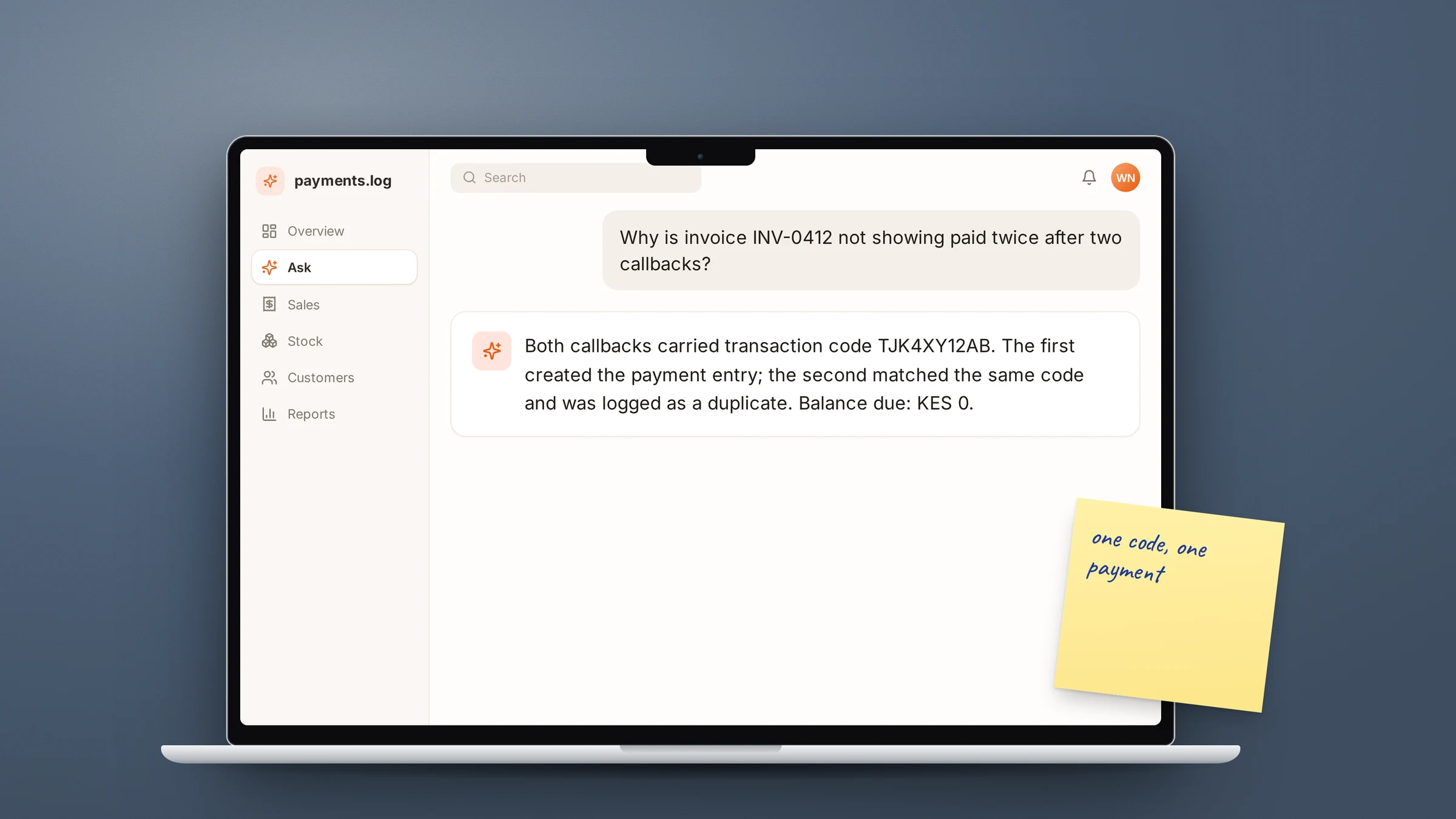
Picture a hardware supplier in Industrial Area looking at a customer statement with the same KES 64,000 payment recorded twice. The customer was delighted. The supplier was not. The cause is usually simple: M-PESA has delivered the payment confirmation to his system twice, a few seconds apart, and the system has dutifully created two payment entries.
Nothing was wrong with M-PESA. Delivering a callback more than once is normal behaviour for any system that wants to be sure you received it. The bug was in the receiving code, which assumed every callback was new. This article is about writing that receiving code properly, whether you use the C2B confirmation URL for till and paybill payments or STK Push callbacks for payments you request.
Rule one: the transaction code is the key#
Every completed M-PESA payment has a transaction code, the ten-character reference the customer
sees in their SMS (in C2B confirmations it arrives as TransID; in STK Push callbacks it is the
MpesaReceiptNumber item in the metadata). That code is unique per payment. It is your
idempotency key.
In practice:
- Put a unique constraint on the transaction code column in the table that records incoming payments. Let the database refuse a second row, rather than trusting application code to check first.
- On a duplicate, return success to the caller and do nothing else. You already have it.
- Never key on amount plus phone number plus time. Two customers can pay KES 1,000 in the same minute, and one customer can pay KES 1,000 twice on purpose.
For STK Push, there is a second identifier worth storing: the CheckoutRequestID you received
when you started the request. It ties the callback back to the order that triggered it, and it
lets you record failures and cancellations, which carry a result code but no transaction code.
Rule two: store first, act second#
The callback handler should do as little as possible before it answers:
- Validate that the request is plausibly genuine (expected source, expected shortcode, expected shape).
- Write the raw payload to a table, as received, with the time.
- Respond quickly.
- Process the stored payload in a background job: create the payment, match the invoice, send the receipt.
Why separate them? Because step 4 can fail for ordinary reasons: the database is busy, the customer has no matching invoice, the ERP is being updated. If processing happens inside the callback, a failure loses the payment or triggers a retry from the sender that you then have to deduplicate. If you stored first, a failed job can simply run again, and the unique key stops it creating a second payment.
Rule three: matching is a business rule, so write it down#
Deduplication tells you the payment is new. Matching tells you what it was for, and that is where most real-world trouble lives. Customers type the wrong account number, pay two invoices in one go, or pay part of one.
Write the rules explicitly, in order, and log which rule matched each payment:
| Order | Rule | Example |
|---|---|---|
| 1 | Account reference equals an open invoice number | BillRefNumber INV-0412 |
| 2 | Account reference equals a customer code; apply to oldest open invoice | BillRefNumber CUST-118 |
| 3 | Phone number belongs to exactly one customer with one open invoice of that amount | 0712... pays KES 64,000 |
| 4 | Anything else goes to an "unmatched" queue for a person | Reference "mama boi" |
The fourth row is the important one. An unmatched payment is not an error to swallow. It is a real customer's real money waiting for a person to decide. Show the queue every day. This is the same principle as in no silent writes: when the system is not sure, it asks.
If you run on ERPNext, decide early whether this logic lives in custom fields on existing documents or in its own doctype. Payment logs with their own lifecycle usually deserve their own.
Rule four: reconcile what never arrived#
Callbacks can also fail to arrive: your server was down, a certificate expired, a URL was changed. Your records will look clean and still be missing money.
So once a day, compare what your system recorded against the statement for the till or paybill. Any transaction code on the statement but not in your table is a missed callback. Import it through the same processing job, so the same unique key and matching rules apply. For the difference between tills and paybills when reconciling, see till or paybill: what each means for reconciling your shop.
What to do this week#
Open your payments table and check two things. Is there a unique constraint on the transaction code? Is there a list somewhere of payments that did not match an invoice, and does someone read it? If either answer is no, fix that before adding any new payment feature.