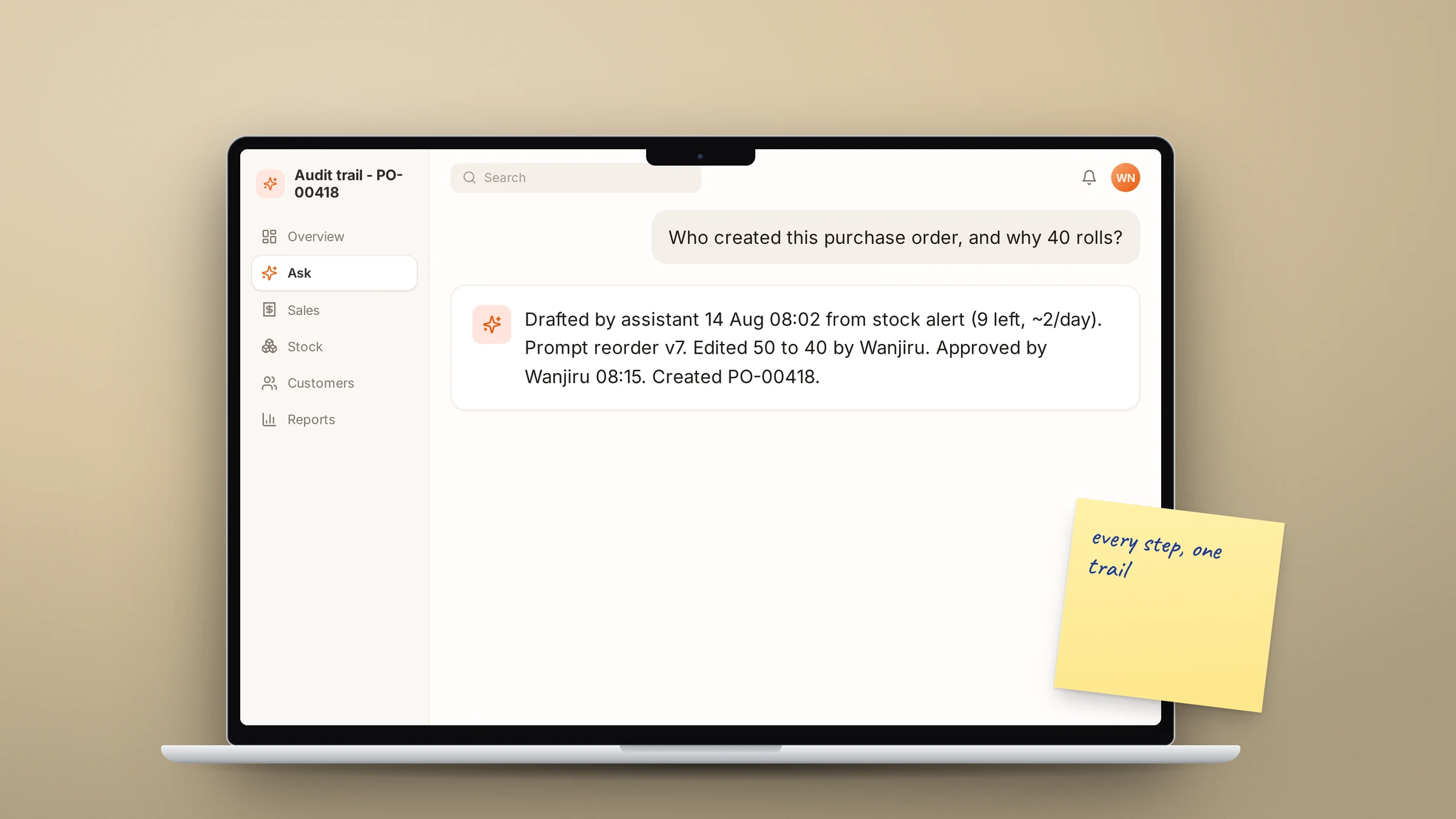
An owner opens a purchase order on a Monday and does not recognise it. 40 rolls of cable from a supplier she rarely uses. Her first question is the right one: who did this? Her second is better: why?
If the answer is "the AI did it", you have already lost her trust, whatever the truth is. If the answer is a trail she can read, the stock alert that triggered the draft, the figures it used, the person who changed 50 to 40 and approved it at 08:15, the conversation becomes about the decision, not about the system.
That trail is the audit log. In an AI feature that touches business records, it is not optional, and it is easier to design in than to add later.
What to record, step by step#
Think of an AI action as a chain. Each link gets an entry, and every entry carries the same trace id.
1. The request. Who asked or what triggered it (a user message, a scheduled brief, a stock alert), when, through which channel, as which user and role.
2. The context. What the model was given to work with: the ids of records retrieved, the documents and passages used, the query results. Store references and row counts rather than copying whole tables, but enough to reconstruct what it saw.
3. The model and prompt. Model id, any settings that affect output, prompt id and prompt version. Without the prompt version you cannot tell a model change from a prompt change. We covered why in prompt versioning.
4. Tool calls. Each tool the model called, with its arguments and a summary of the result. "get_stock(item=CABLE-2.5, warehouse=Ruiru) returned 9" is the kind of line that settles arguments.
5. The output. The answer shown, or the draft proposed, exactly as the user saw it.
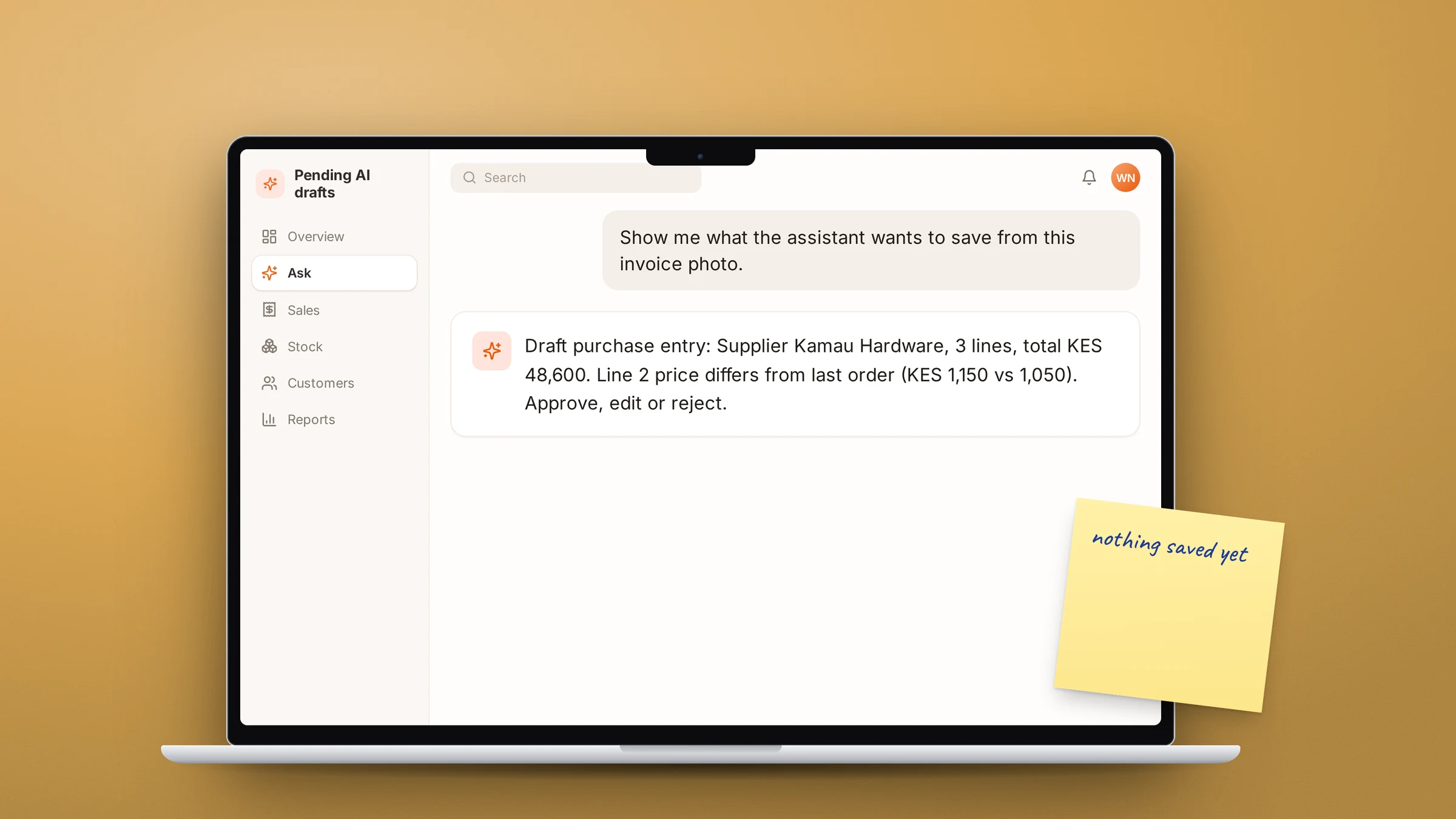
6. The decision. For anything that writes: approved, edited and approved, rejected or expired, by whom, when, and what they changed. We described the draft and approval design in designing approval steps for AI that writes to your records.
7. The result. The id of the document created or changed, or the error if the write failed. And later, if it is undone, the reversal and who did it.
How to keep it#
Append-only. Entries are added, never edited or deleted by the application. If something needs correcting, add a new entry that says so. A log that can be quietly changed is not an audit log.
Same transaction as the change. The log entry for an approved write is committed together with the write. If the write rolls back, so does the entry; if the entry cannot be written, the write does not happen. You never want a document with no trail or a trail pointing at nothing.
Link both ways. From any document an AI touched, one click to its trace. From any trace, one click to everything it caused.
Retention you have decided. Choose how long you keep traces and write it down. Accounting records may have their own retention requirements; check with your accountant.
Make it readable#
Most audit logs are written for the developer who built them. That is a mistake in a business system, because the people asking "why?" are owners, managers and accountants. Alongside the structured fields, store a one-line plain description at each step:
Drafted PO for 50 rolls of 2.5mm cable from Kamau Hardware because stock was 9 and sales averaged about 2 a day over 8 weeks.
Then show the trail as a simple timeline on the document itself. If an owner can read the trail without calling you, the log is doing its job.
Use it, not only keep it#
A good log is also your best tool for improving the system. Count how often drafts are edited before approval, and which fields get edited; that tells you where the model is weak. Find questions that led to "I don't know"; that tells you what data is missing. Pull real questions from the log into your golden test set.
What to do this week#
Pick one AI action in your system that writes or proposes a change. Trace one real instance by hand, from trigger to result, using whatever logs you have today. Note every step where you could not answer "what happened here?" Those gaps are the fields to add first.