Picture an approval queue that grows from 6 items to 140 in three weeks. The AI is doing its job well: reading supplier invoices, drafting purchase entries, holding each one for a manager to approve. The manager is doing her job too, running a busy shop. The queue sits between them, and nobody opens it because it looks like work. By the time anyone notices, the stock figures are three weeks behind and the staff have gone back to typing invoices by hand.
The lesson is simple. A human-in-the-loop design is only as good as the loop. If people do not clear the queue, the approval step that was meant to protect your records becomes the thing that stops them being kept at all. This post is about the design choices that keep queues moving.
Bring the queue to the person#
The first mistake is making the approver go looking. A queue inside a back-office screen, behind a login, on a laptop, will be visited when someone remembers.
What works better:
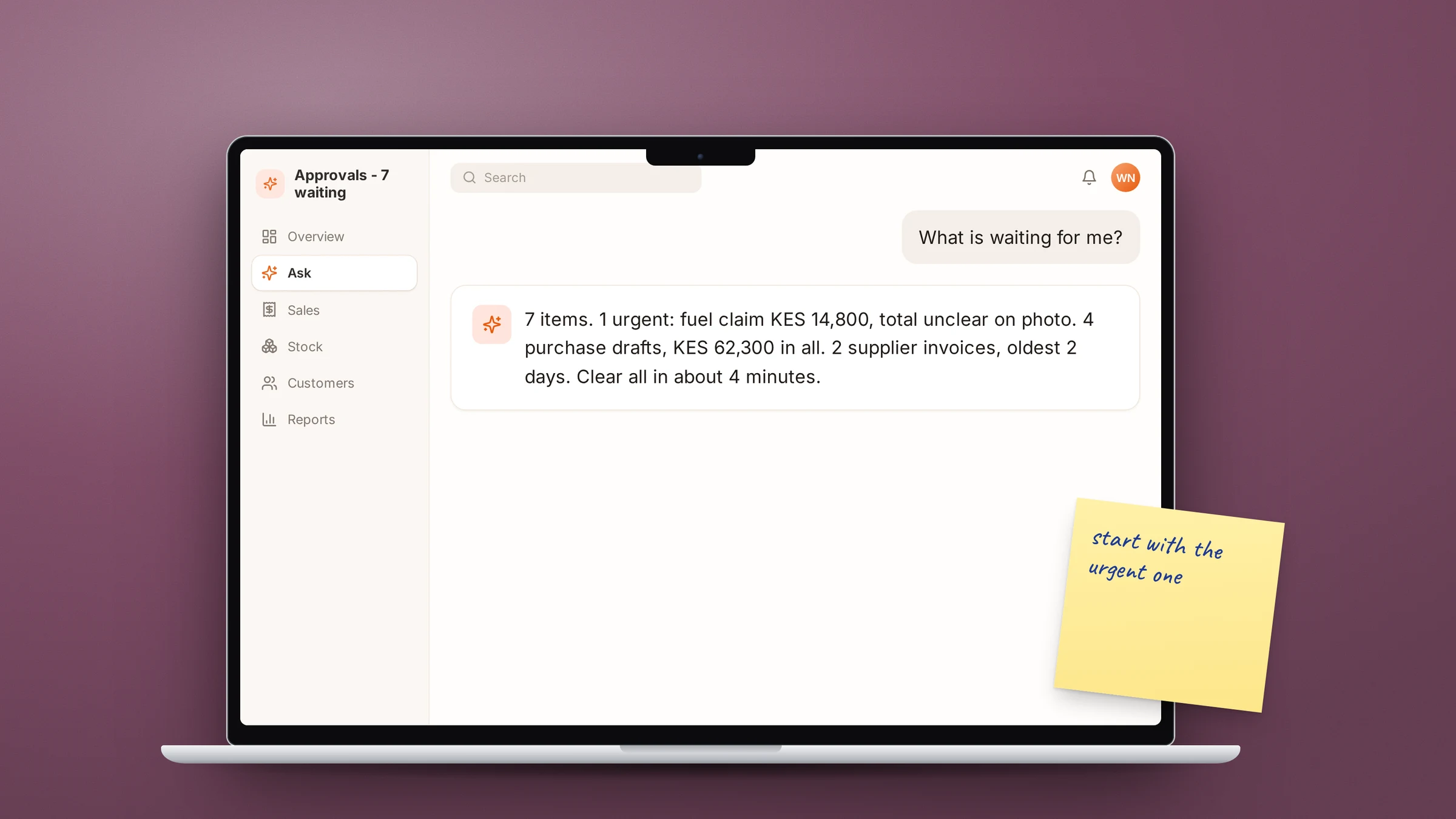
- Push a summary to the channel they already use, usually WhatsApp: "7 items waiting, 1 urgent, about 4 minutes." The estimate matters; "4 minutes" gets opened, "7 items" gets postponed.
- Let them approve from the phone. If approving requires a laptop, it happens twice a week.
- Pick the moment. A short summary at a time the owner is likely free, such as before opening or after closing, beats a ping for every item.
Show the evidence next to the draft#
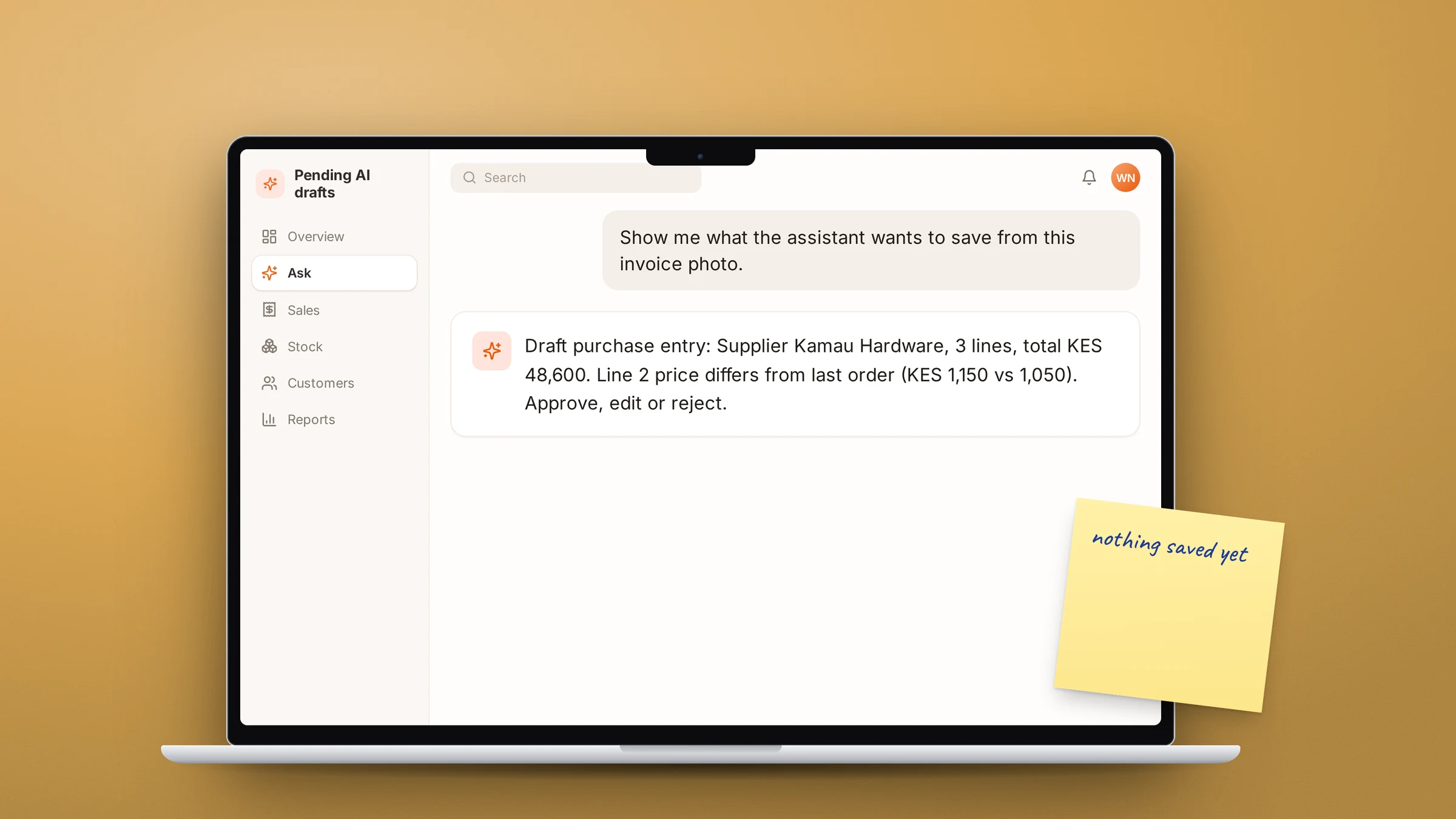
The approver's real question is "is this right?", and they should be able to answer it without opening anything else. So each item shows the source and the draft side by side: the photo of the invoice next to the drafted lines, the customer's message next to the drafted order.
Then help their eyes:
- Highlight what the AI was unsure about, such as a field it could not read clearly or a price that differs from the last purchase. Approvers check highlighted fields properly and skim the rest, which is the right allocation of attention.
- Show a short reason for anything the AI proposed rather than copied: "Quantity 40 because 12 a week sold over 8 weeks and 8 left."
- Never hide the raw input. If the photo is unreadable, the approver needs to see that too.
Make the right action the easy one#
Each item should need one tap in the common case: approve. Editing should be possible on the same screen, not a trip to another form. Rejecting should ask for a reason from a short list ("wrong supplier", "duplicate", "not ours"), because those reasons are your best data on where the AI is failing.
Avoid two traps:
- Approve-all buttons. They turn review into a ritual. If you offer batch approval at all, limit it to low-risk items that passed every automatic check.
- Hard confirmations on everything. An "are you sure?" on every approval trains people to tap through dialogs without reading.
Sort by risk, and watch the age#
Sort the queue by what an error would cost, not by arrival time. A KES 140,000 supplier invoice with an unreadable total belongs above a KES 300 airtime expense. Within the same risk level, oldest first.
Give items an age and act on it. If an item has waited longer than your agreed time, say a day for expenses and four hours for customer orders, it should escalate: a reminder to the approver, then to a named backup. Every queue needs a backup approver for leave and sick days, decided in advance.
Measure the loop honestly#
Four numbers tell you whether the loop works:
- Time in queue: median and worst case. Growing ages mean people are avoiding it.
- Edit rate: how often approvers change the draft. High means the AI needs work on that field.
- Reject reasons: grouped, they point at specific failures.
- Approve-without-change rate on high-risk items: if it is near 100% and approvals take two seconds, people may be approving without looking. Spot-check a sample.
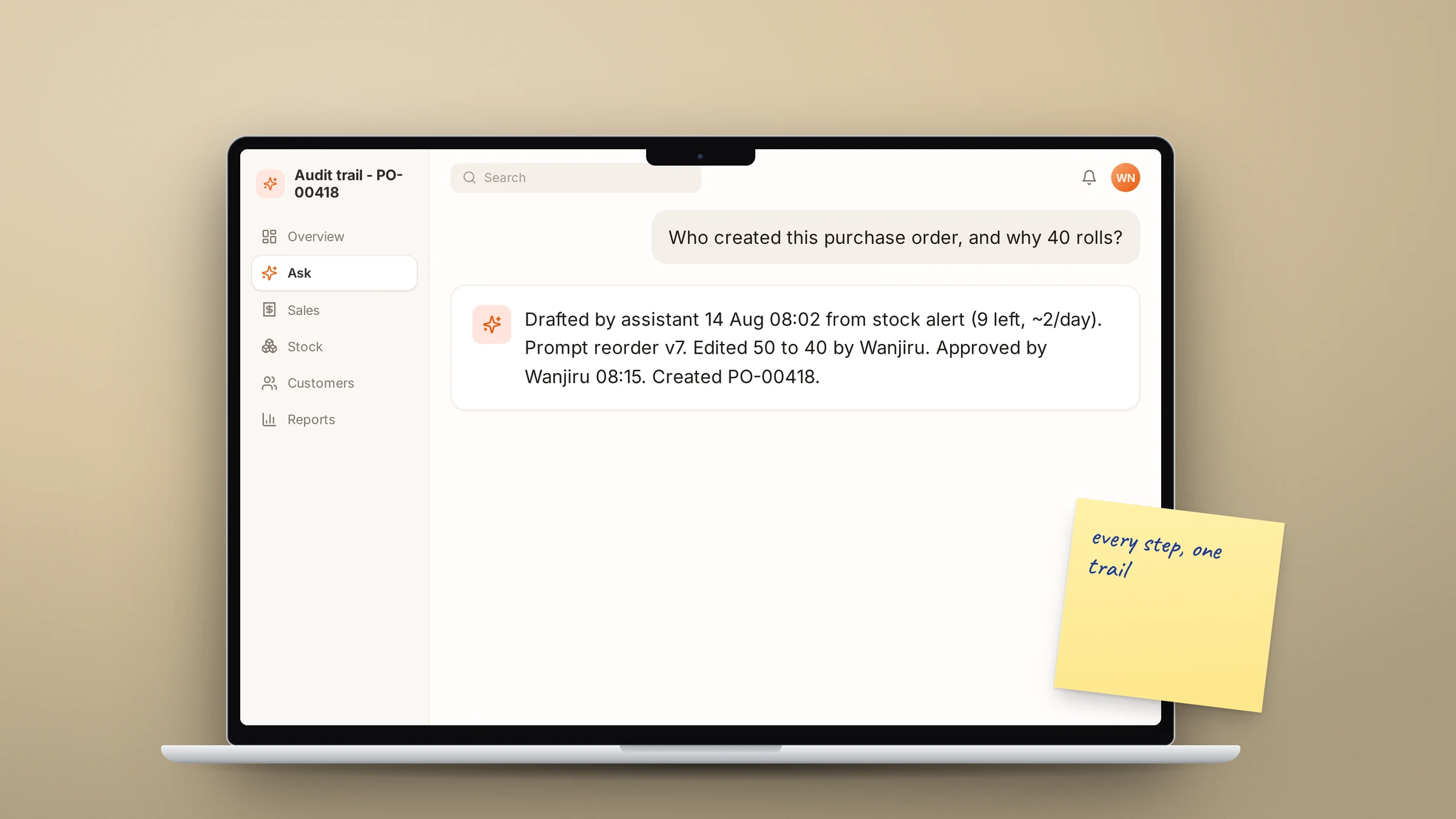
Log every decision with who made it and when, as in logging every AI action for audit. Those logs also show you which approvers are overloaded.
An approval nobody reads is worse than no approval, because it looks like control.
What to do this week#
If you run any feature with an approval step, check two numbers today: how many items are waiting, and how old the oldest is. Then ask the approver, honestly, what stops them clearing it. The answer is usually one of the things above - the queue is hard to reach, the evidence is somewhere else, or there is no sense of how long it will take - and each one is a small change.