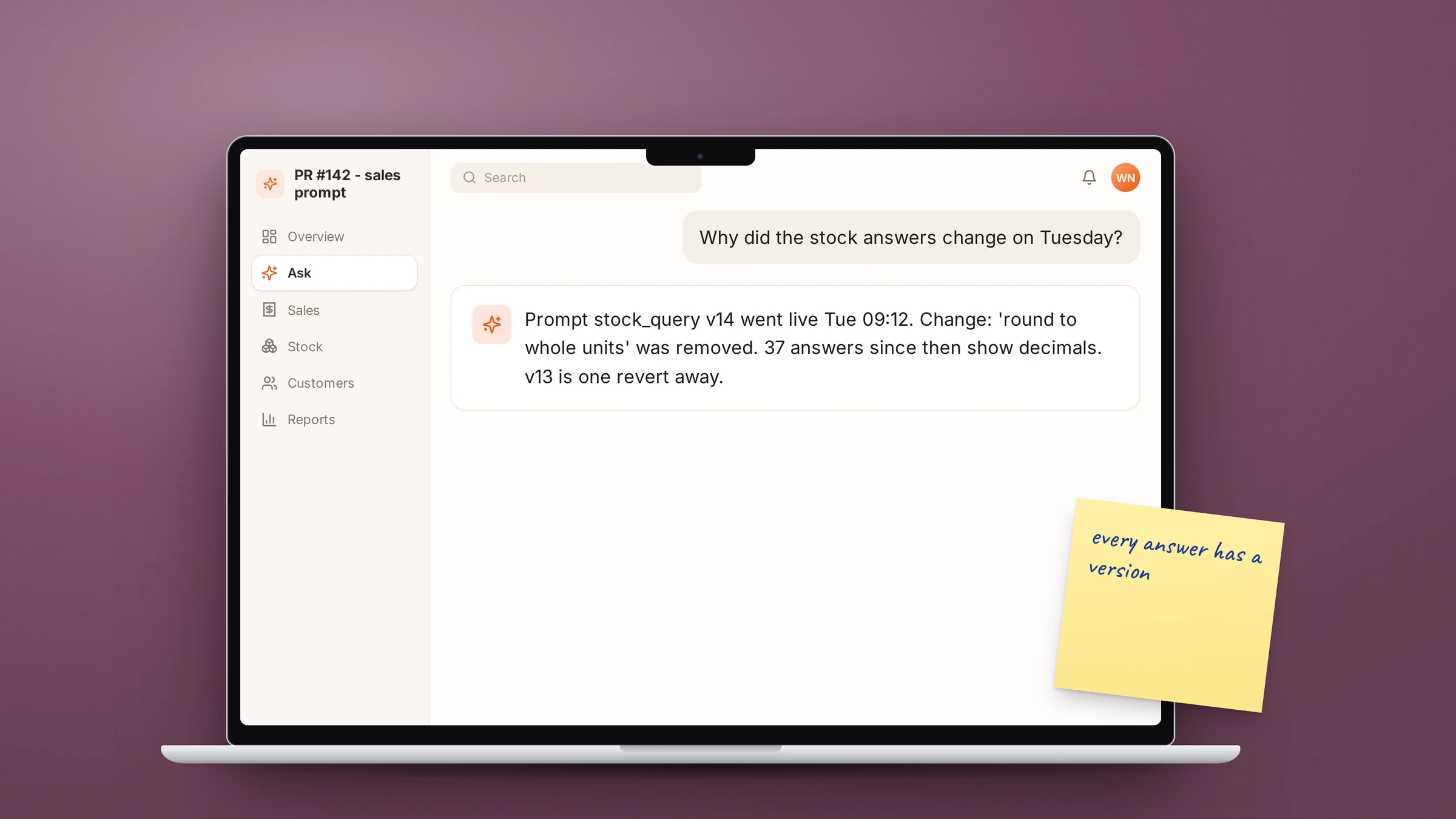
A developer on a team building a shop assistant gets a complaint on a Wednesday. Since yesterday, the assistant has been answering stock questions with "12.0 units" and "3.5 cartons" instead of whole numbers. Nothing was deployed. No code changed. After an hour of digging, someone remembers that a colleague tidied up the system prompt on Tuesday morning in the admin panel, and removed a line that looked redundant: "Round stock quantities to whole units."
That line was doing work. Nobody knew, because the prompt had no history, no review and no record of which version produced which answer.
Why prompts drift#
Prompts attract edits. They are plain English, so everyone feels qualified to improve them: a product manager adds a sentence about tone, a support person adds a rule after one bad answer, a developer shortens it to save tokens. Each change is reasonable. Together, after three months, nobody can say why the prompt says what it says, which lines matter, or when behaviour changed.
The model behind the prompt changes too. Providers update models, and a prompt that worked well on one version may behave differently on the next. If you do not record which prompt and which model produced an answer, you cannot tell the two causes apart.
Prompts as files with versions#
The fix is unexciting. Take prompts out of database fields and settings pages and put them in the repository as files:
prompts/
  stock_query/
    system.md
    meta.yaml      # id: stock_query, version: 14, model: <model id>
  invoice_reader/
    system.md
    meta.yaml
Bump the version on every change. The version id travels with the prompt into the running application, which loads it at start-up. If a prompt must be editable by non-developers, give them a branch and a pull request, not a text box in production.
Keep variables out of the prompt text where you can. Shop name, currency and today's date are filled in at runtime from named placeholders. That keeps the versioned text stable and the diff readable.
Reviewing a prompt change#
A prompt diff on its own tells a reviewer very little. "Removed one line" looks harmless. What makes the review useful is evidence of the effect. For every prompt change we ask for:
- The reason. Which answer or complaint prompted it.
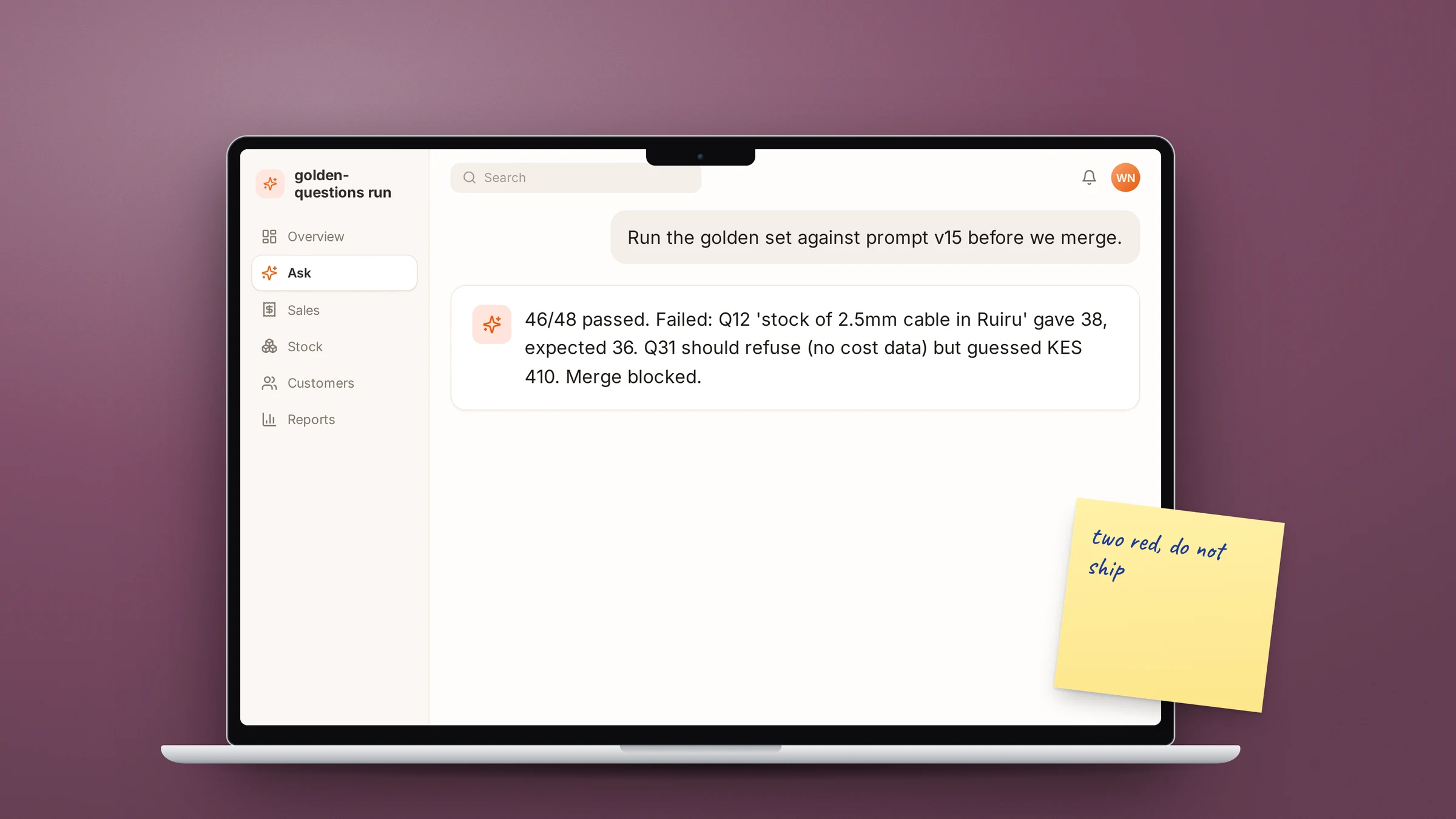
- A small set of questions run before and after. The same ten or twenty real questions, with both sets of answers in the pull request.
- A note of anything that got worse. Prompt changes often fix one case and break another; the reviewer needs to see both.
This is where a fixed set of test questions pays off. We will cover building one properly in a later post on regression tests, but even ten questions pasted into the pull request is far better than none.
Log the version with every answer#
Every answer the system gives should be stored with the prompt id, prompt version and model id that produced it, alongside the question, the retrieved context and the user. With that in place, the Wednesday complaint becomes a two-minute query: filter answers by version, see that every decimal answer came from version 14, and revert.
This matters even more when the AI can propose changes to records. If a draft purchase order looks wrong, the first question is which prompt drafted it. We described where that draft lives and how it is approved in designing approval steps for AI that writes to your records.
Rolling back#
With prompts in the repository, rollback is a revert and a deploy. Without them, it is someone trying to remember what the text said last week. Keep at least the previous version loadable by id, so you can switch back through configuration if a deploy is not quick enough.
Many confusing AI failures are not the model being clever or stupid; they are the model doing exactly what an unreviewed prompt told it to. We wrote about the owner's side of that in why AI gives you confidently wrong numbers.
What to do this week#
Find every prompt your application uses. Count where they live: code, database, settings, a vendor dashboard. Move them into one folder in the repository, give each a version number, and add the version to whatever you already log for each answer. That alone turns the next "why did it change?" from an afternoon into a query.