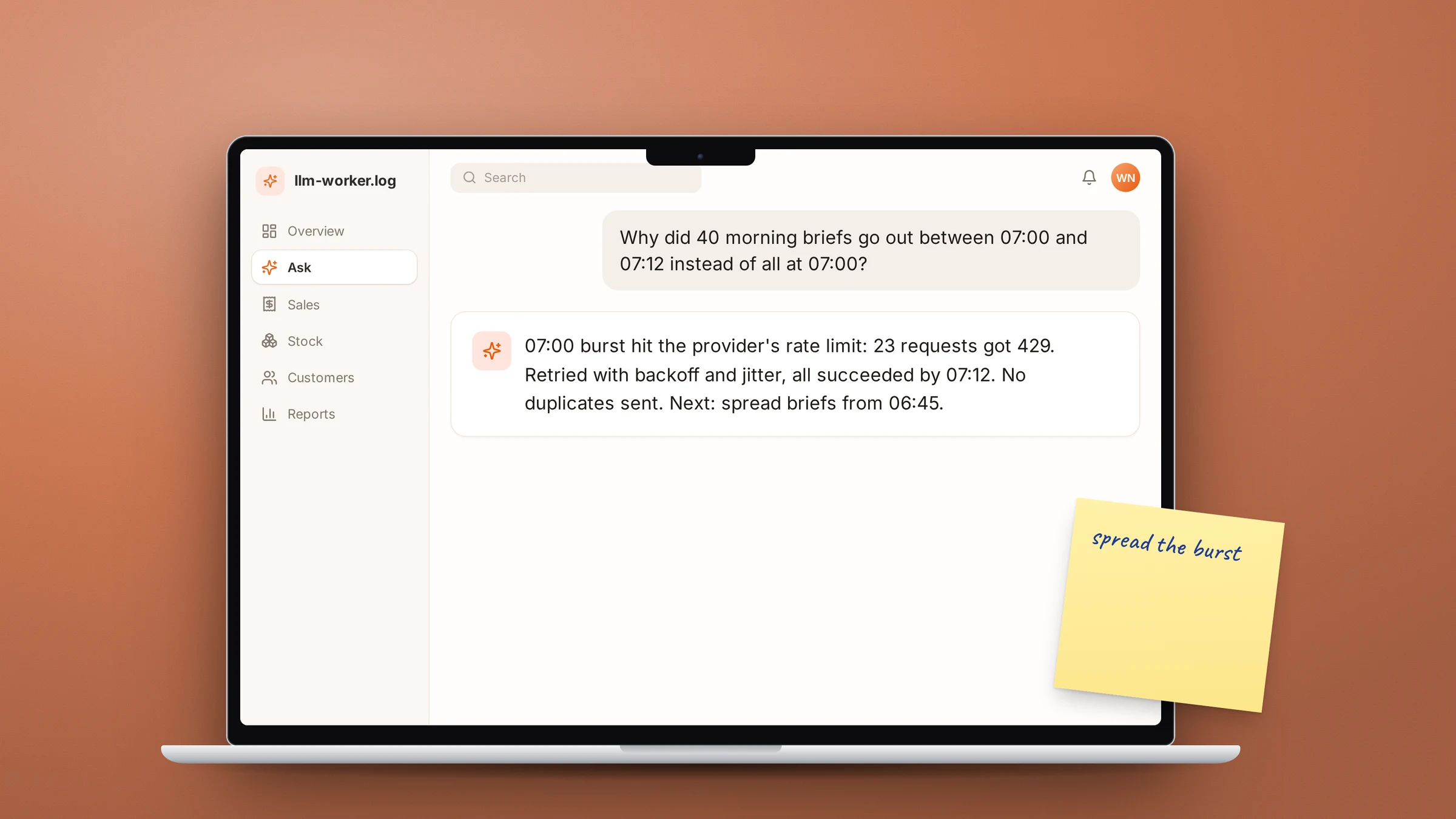
Picture a system that sends a morning summary to forty shop owners at exactly 7:00am. At 7:00:01 it fires forty requests at a language model API. Twenty-three come back with HTTP 429: too many requests. A naive implementation retries all twenty-three immediately, gets twenty-three more 429s, retries again, and keeps the provider busy rejecting it. Owners get nothing, or worse, a few get two copies because a request that looked failed had actually succeeded.
Every LLM provider limits how fast you can call it, usually by requests and by tokens per minute, and the limits differ by provider, model and account. They change, so read your provider's current documentation rather than hard-coding a figure. What does not change is that you will hit them, and that your code needs to handle it calmly.
Sort errors before retrying#
Not every failure deserves a retry. Classify first:
| Response | Meaning | Retry? |
|---|---|---|
| 429 | Rate limited | Yes, after a delay |
| 500, 502, 503, 504 | Provider or network trouble | Yes, after a delay, a few times |
| Provider "overloaded" errors | Temporary capacity | Yes, after a delay |
| Timeout | Unknown: it may have succeeded | Yes, but only if the job is idempotent |
| 400 | Your request is malformed or too long | No. Fix the request |
| 401, 403 | Key or permission problem | No. Alert a person |
Retrying a 400 forever is a common bug: the request is too long for the model's context, every retry fails the same way, and the queue fills with doomed jobs. Send these to a failure list with the error message.
Exponential backoff with jitter#
When you do retry, wait, and wait longer each time. A common pattern:
import random, time

def call_with_retries(send, max_attempts=6, base=1.0, cap=60.0):
    for attempt in range(max_attempts):
        try:
            return send()
        except RetryableError as e:
            if attempt == max_attempts - 1:
                raise
            # Honour the provider's hint when it gives one.
            delay = e.retry_after or min(cap, base * 2 ** attempt)
            # Full jitter: spread retries so clients do not stampede together.
            time.sleep(random.uniform(0, delay))
Three details matter:
- Honour Retry-After. Many providers send a header saying how long to wait. Use it when present; it knows more than your formula.
- Add jitter. Without randomness, all twenty-three failed requests retry at the same moment and collide again. Spreading them is the whole point.
- Cap attempts and delay. After a handful of tries, stop and record the failure. An answer that arrives forty minutes late is often worse than a clear "we could not reach the model".
Most official SDKs already retry some errors by default. Know what yours does, so you do not wrap retries inside retries and multiply the wait.
Put the work in a queue#
Retry loops inside a web request are a trap: the user waits, the server holds a connection, and a slow provider ties up your whole app. Anything that does not need an answer within a few seconds belongs in a queue.
- Producers add jobs ("brief for shop 118", "summarise invoice 4471") and return at once.
- A small, fixed number of workers take jobs and call the API. The worker count is your concurrency limit; set it below what your rate limit allows.
- Failed jobs return to the queue with a delay, or go to a dead-letter list after the last attempt.
The queue also fixes the burst in the opening example. Instead of forty requests at 7:00:00, schedule briefs across 6:45 to 7:00, or let the workers pace them. Smoothing is cheaper than retrying.
Watch it, and count the cost#
Log every call with job ID, attempt number, status, latency and tokens used. That gives you four numbers worth a daily glance: retry rate, failure rate, average latency and tokens per job. A rising retry rate is an early sign you are near your limits or the provider is struggling. We go further into tracking spend in metering the cost of every AI request.
Retries cost money too. Each retried request that reached the model may be billed, so a retry storm can show up on the invoice before it shows up anywhere else. If you are estimating running costs for a feature, build retries into the estimate; see what it costs to run an AI feature, honestly.
What to do this week#
Find every place your code calls an LLM API. For each, answer: which errors does it retry, does it use backoff with jitter, does it honour Retry-After, and is it safe if the same job runs twice? Then look for any scheduled job that fires many requests at the same minute, and spread it out.