A customer in Nanyuki sends a WhatsApp message to a hardware shop at 9pm: "mna mabati gauge 30 blue? bei gani kwa 20 pieces". The assistant has to work out what she wants, look up stock and price, and reply. If it takes twelve seconds, she has already asked two other shops. If it costs a lot per message, the shop cannot afford to answer every enquiry. If it misreads "gauge 30" as a quantity, nothing else matters.
Those are the three trade-offs every model choice involves: latency, cost and quality. No model wins all three, and the right choice is different for each step of a feature. This post is how we decide.
Define quality on your task, not on a leaderboard#
Public benchmarks tell you how models compare on general tests. They tell you little about whether a model can read Kenyan hardware enquiries in mixed Swahili and English, or pull the total off a faded receipt. The only quality measure that counts is your own.
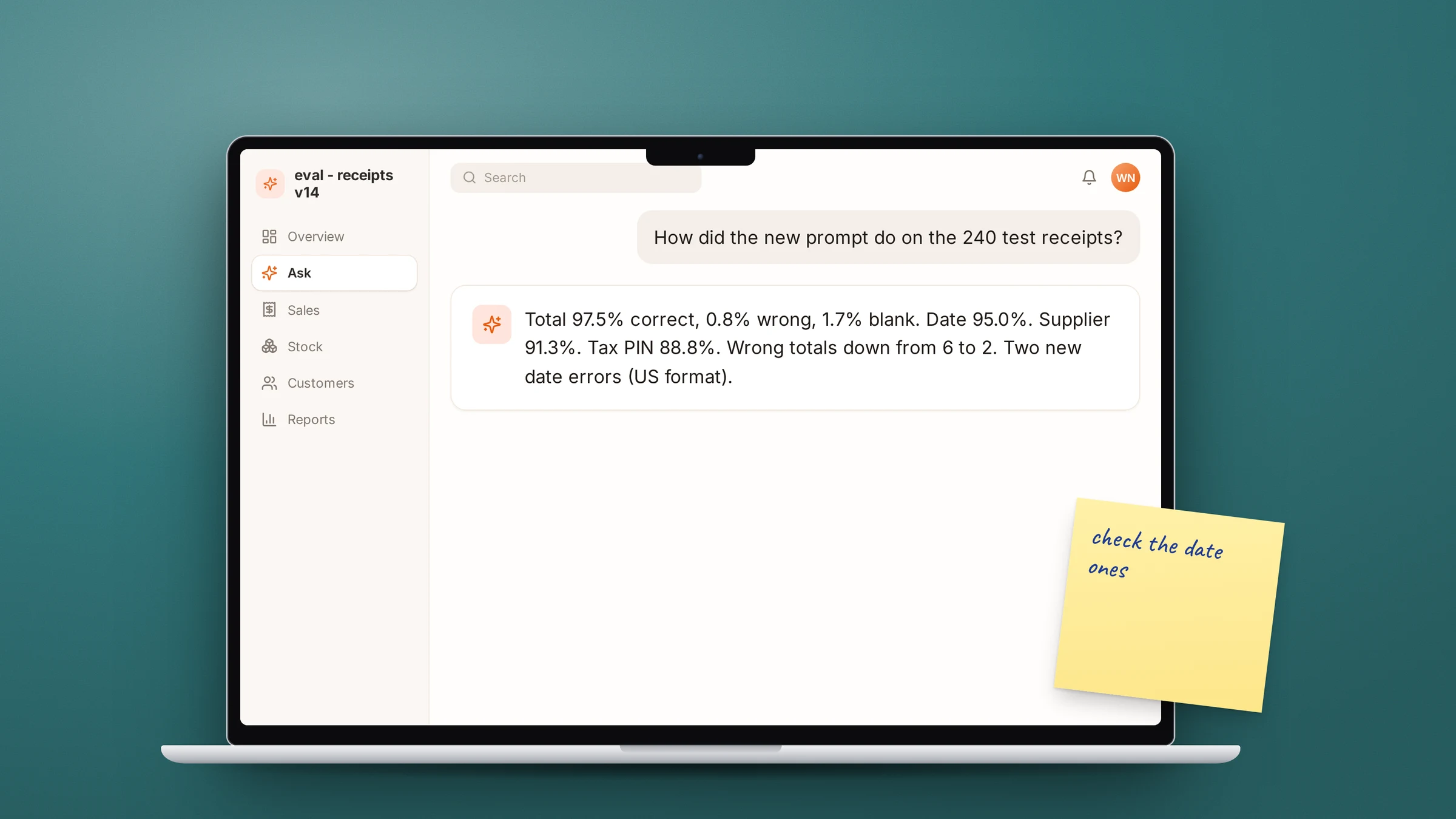
So the first step is a test set: a few hundred real examples of the task, each with the correct answer written by a person. For the message above, the correct answer is a structured intent: item "iron sheet", gauge 30, colour blue, quantity 20, asking for price. Then decide what "good enough" means before testing, for example 92% exactly right on intent and item, and no more than 1% confidently wrong.
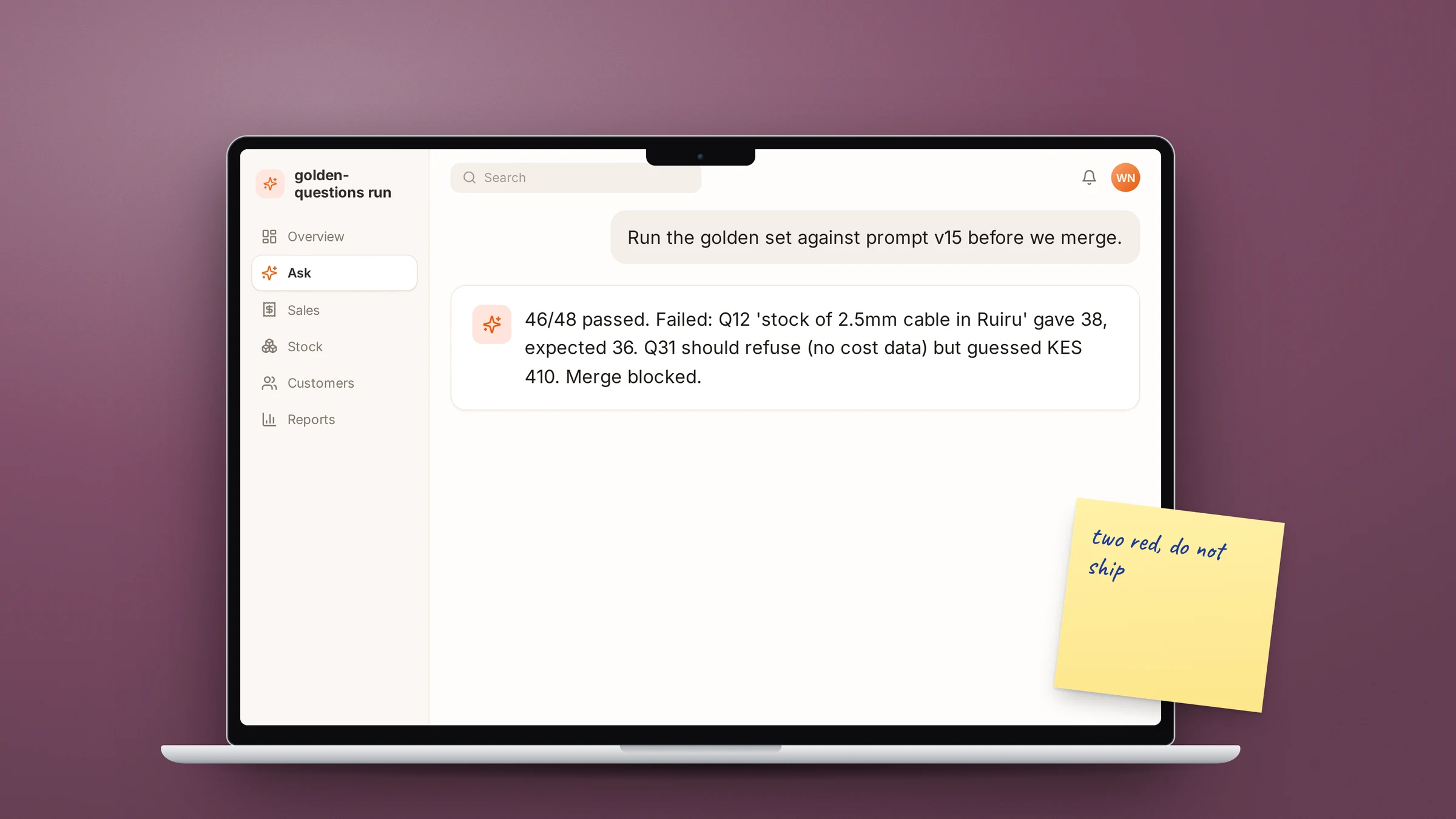
We keep these sets fixed and re-run them on every model or prompt change, as described in regression tests for AI answers.
Measure latency the way users feel it#
Latency is not one number. Measure:
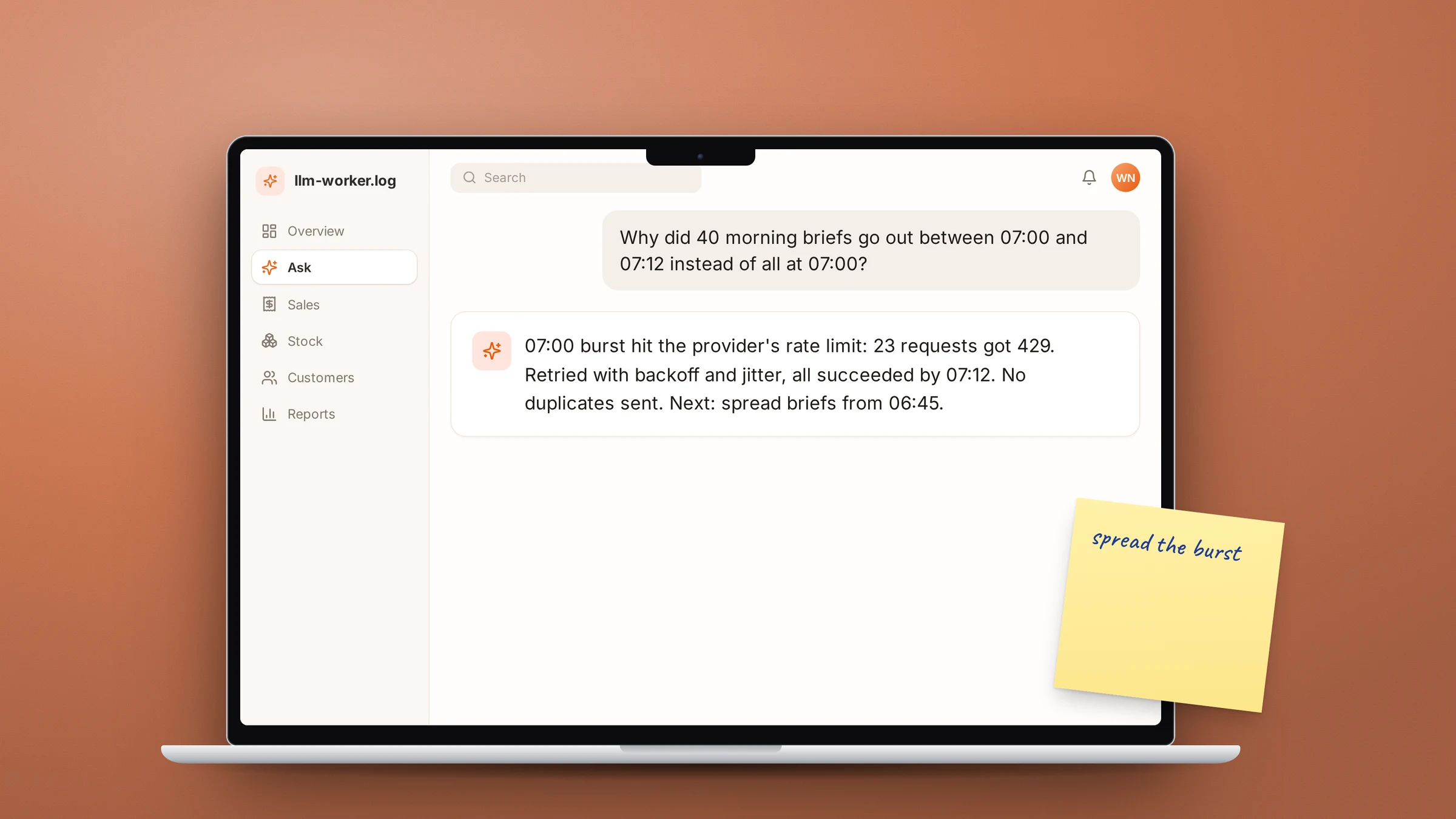
- Typical and worst-case time across the test set, run at the times your users are active. A model that is quick on average but slow one time in twenty will feel slow.
- Time to first word, if you stream replies. For chat, a reply that starts quickly feels faster than one that arrives complete after the same total time.
- Total time for the feature, not only the model call. If the assistant makes three model calls and two database lookups, the model choice for each call adds up.
Different features have different budgets. A customer chat should reply within a few seconds. A nightly report can take minutes. A back-office receipt reader can take ten seconds if it is right.
Measure cost per job, not per request#
Providers price by the amount of text a model reads and writes, and prices change often, so do not build decisions on a number from a blog post, including this one. Measure your own:
- the average text in and out per request for this task;
- the number of requests per job (one customer conversation may be five requests);
- the number of jobs per month.
Multiply and you have a monthly figure you can compare with what the task is worth. We meter this for every request in production; metering the cost of every AI request shows how.
Route each step to the cheapest model that passes#
Once you have quality, latency and cost for two or three candidate models, the decision usually splits by step:
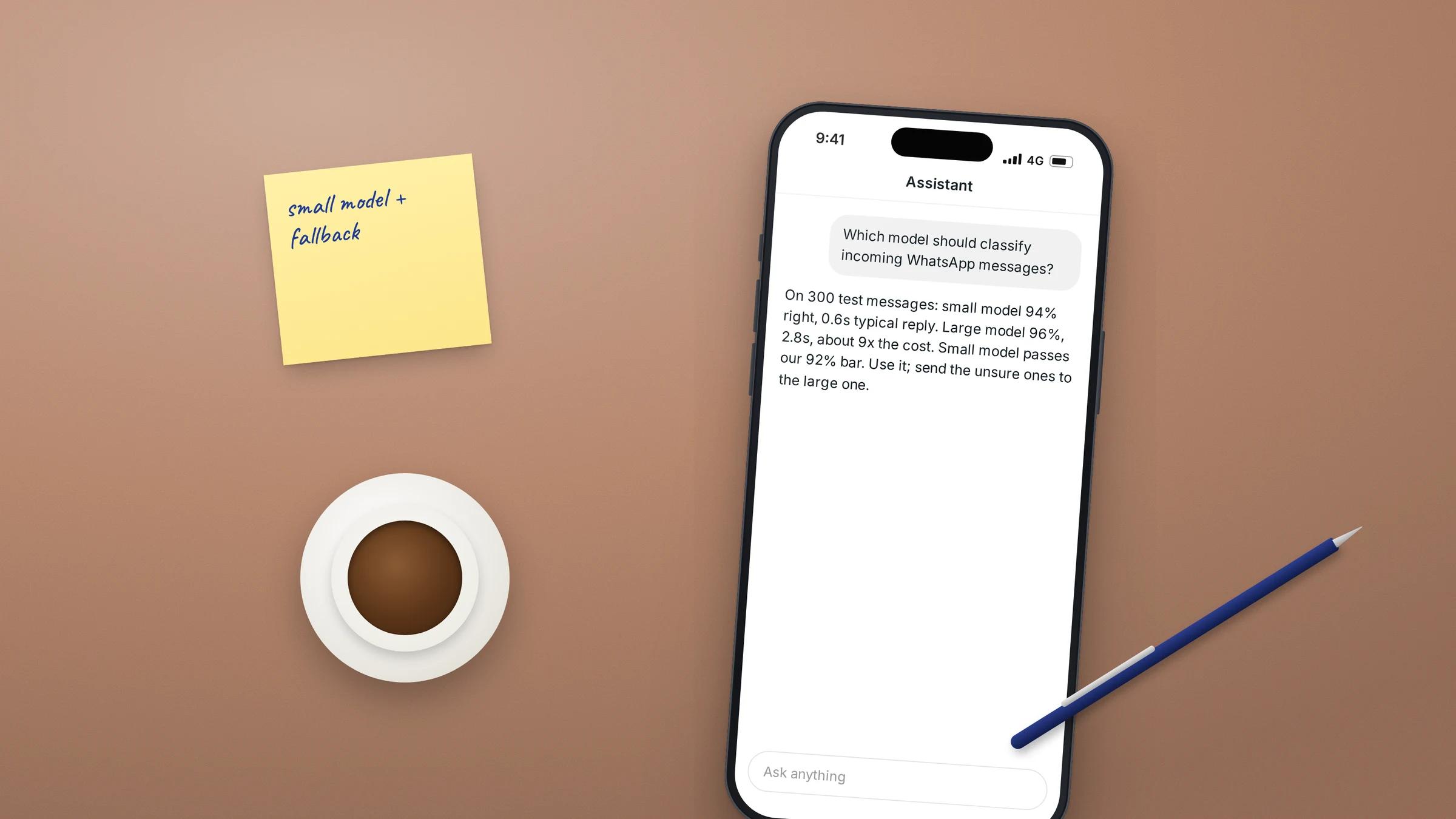
- Classification and extraction (what is this message about, what are the fields): small, fast models often pass the quality bar. Use them.
- Reasoning over several facts or writing a careful reply: larger models are often worth the extra time and cost.
- Anything with a fixed answer (matching a payment, checking stock): no model at all. Use code.
A pattern that works well is a small model first, with a fallback: if the small model reports low confidence or its output fails validation, the request goes to a larger model. Most traffic stays cheap and fast; the hard cases get the stronger model.
The best model for a feature is usually two models and some plain code.
Plan for change#
Models are updated and retired, and prices move. Keep the model name in configuration, not in code, so switching is a setting. Re-run the test set before any switch, even a "minor" version update. And keep your test set and your measurements; they are what let you switch with confidence instead of on a feeling.
What to do this week#
Take one AI step in a feature you run. Collect 100 real inputs with correct answers. Run your current model and one smaller, cheaper one on them, and record accuracy, typical and worst-case time, and cost per 1,000 requests. If the smaller one passes your quality bar, you have just found a cheaper, faster feature.