Take a WhatsApp ordering integration for an ERPNext site. The design question looks small: where do we keep the WhatsApp conversation for each sales order? One developer wants a long text field on Sales Order holding the whole chat. Another wants a separate doctype. Both have reasonable arguments. The right answer is a bit of each, and the reasoning is worth writing down, because every ERPNext integration meets this question.
The two options#
Custom fields add columns to an existing doctype: Sales Order, Customer, Item, Payment Entry. In Frappe they are stored as Custom Field records, can be shipped from your app as fixtures, and appear on the standard form. Users see them in the place they already work.
A new doctype is your own document type, defined in your custom app, with its own table, permissions, list view and lifecycle. It usually links back to standard documents with a Link field.
Neither is the "right" answer. They suit different shapes of data.
When custom fields are the right choice#
Use a custom field when the data is a single fact about an existing document, with the same lifetime as that document.
Good examples:
- the external order ID from an online shop, on Sales Order;
- the WhatsApp phone number or chat ID on Customer;
- the M-PESA transaction code on Payment Entry;
- a flag such as "created by integration" on Sales Invoice.
Things that make custom fields work well:
- Prefix the fieldname with your app's name (for example
wa_chat_id) so it never collides with a future standard field or another app's field. - Ship them as fixtures from your app, filtered to your own fields only, so a fresh site gets exactly the same shape and nothing else is exported by accident.
- Mark integration fields read-only where users should not edit them, and put them in their own collapsible section so the form stays clean.
- Index the ones you search by. An external ID you look up on every incoming webhook should be indexed, and if it must be unique, enforce that in the database rather than only in code.
The cost of custom fields is that they live on someone else's doctype. Standard doctypes change between versions, and a busy Sales Order form with twenty integration fields becomes hard to use.
When a new doctype is the right choice#
Create your own doctype when the data has its own life. Signs:
- Many rows per document. Messages, sync attempts, webhook calls, status changes. Stuffing a list into a text field makes it unsearchable and slows the parent form.
- Its own status. A sync log with Pending, Sent, Failed and Retried belongs in its own document with its own list view and filters.
- Different permissions. Sales staff may need to see orders but not raw webhook payloads, which may contain personal data.
- It exists without the parent. An incoming payment that has not yet matched an invoice cannot be a field on an invoice. We used this pattern for unmatched payments in M-PESA callbacks: idempotency and matching payments.
- It needs its own reports. "Failed syncs this week by error" is a list report on a log doctype, and painful to build from fields scattered across standard documents.
The cost of a new doctype is more code to own: its controller, permissions, list settings and migrations. It also adds a click for users, who have to open a linked document to see the detail.
A simple decision table#
| Question | Custom field | New doctype |
|---|---|---|
| One value per parent document? | Yes | |
| Many rows per parent? | Yes | |
| Has its own status or retries? | Yes | |
| Needs separate permissions? | Yes | |
| Users must see it on the main form? | Yes | Link and summary field |
| Exists before or without the parent? | Yes |
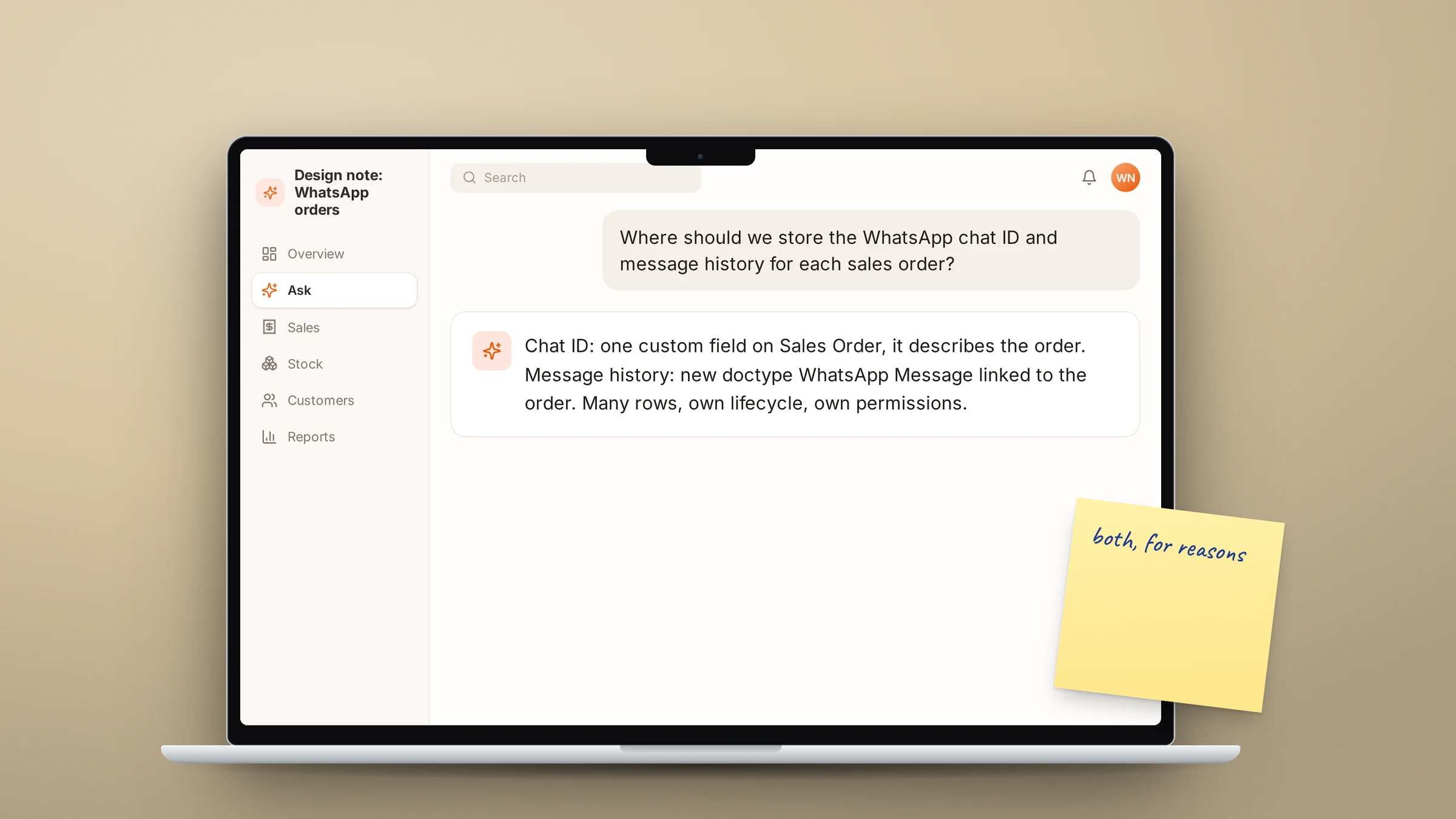
Most real integrations use both. In the WhatsApp case, the chat ID goes on Customer and Sales Order as custom fields, because it describes them. The messages go into a WhatsApp Message doctype linked to the order, because there are many, each with a direction, time and delivery status. A small "last message" field on the order gives users a summary without opening the log.
For a worked example of an integration that ends in standard ERPNext documents, see the WhatsApp expense assistant for ERPNext, where receipt photos become expense entries.
What to do this week#
List every custom field your integrations have added to standard doctypes. For each, ask: is this one fact about the document, or a list or log squeezed into a field? Anything in the second group is a candidate for its own doctype. Do not move it in a hurry; add the new doctype, write to both for a while, and retire the old field once nothing reads it.