Every business has the same quiet mess in the corner of its finances: expenses. A drawer of paper receipts. A staff member who forgot which one was for the fuel and which was for the parts. A month-end scramble where someone squints at faded thermal paper and types figures into the accounting system, one by one, hoping they got the VAT right.
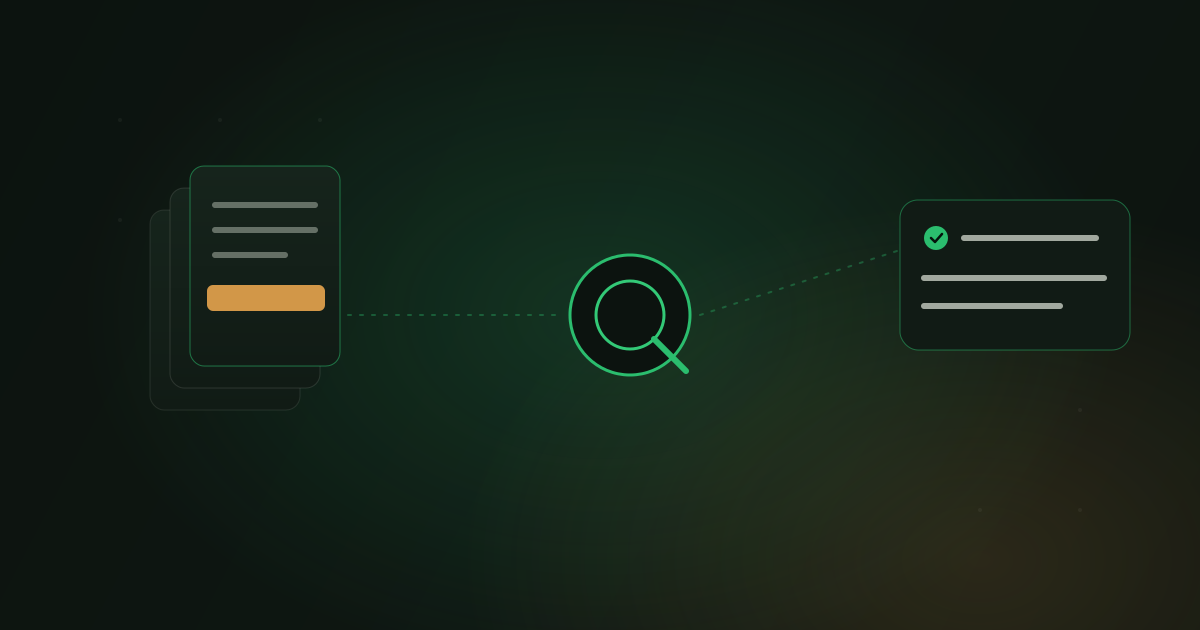
I got tired of watching good finance teams lose days to this, so I built a thing that removes almost all of it. It is called UpeoXpense, and the whole interaction, for the person filing the expense, is this: take a photo of the receipt, send it to the company WhatsApp number. That is it. No app to install, nothing to learn. Behind that one message, the receipt gets read, validated, and posted to the ERPNext ledger - ready for a manager's one-tap approval.
It is open source (MIT), it works with any company and any currency, and this post is the honest build story: the problem, the demo, how it actually works, the accounting model, the full tech stack, and how you would adapt it to your own setup.
The problem, stated plainly#
Expense management fails for boringly human reasons. Paper receipts pile up and fade. Staff quietly hate expense apps, so they file late or not at all. Someone has to do the data entry, and manual entry is slow and error-prone. Duplicates and honest mistakes slip through. And reconciliation gets pushed to month-end, where it becomes a painful, low-trust scramble.
Most "solutions" answer this by asking people to adopt yet another app - one more login, one more thing to train the team on, one more screen nobody opens. That is the part I did not want to repeat. So UpeoXpense meets people where they already are, on the one tool everyone on the team already has open all day: WhatsApp. And it does the tedious part - the reading and the bookkeeping - automatically.
The demo#
Here is the whole thing running end to end - a real receipt photo going in on WhatsApp, and a posted ERPNext expense coming out.
What you are watching: a staff member sends a receipt photo to the company number. Within seconds they get a WhatsApp summary back - vendor, date, amount, VAT - and reply to confirm. A manager opens a clean web dashboard, sees the item in the approval queue with the original image attached, and taps approve. The Journal Entry posts to ERPNext. Nobody typed a figure.
How it works: eight steps#
The flow looks like magic from the outside, but it is deliberately unglamorous under the hood - which is the point. Every step is inspectable.
1. Staff snap and send. A receipt photo goes to the company WhatsApp number. No app, no form, no login.
2. A secure webhook receives it and identifies the sender. The sender's number is matched to an ERPNext Employee. Unknown numbers are ignored entirely - only staff can file expenses, so a random message to the number does nothing.
3. The image is de-duplicated and cleaned up. Every image is fingerprinted two ways: an exact SHA-256 hash and a perceptual (visual) hash. If the same receipt - or a near-identical re-photo of it - has been seen before, it is caught here. Then the image is preprocessed so the AI gets the best possible read.
4. AI vision reads the receipt. The image goes to a vision model, which extracts the vendor, date, amount, VAT, KRA PIN, eTIMS invoice number, line items, payment method, and a confidence score. Crucially, the AI only reads. It returns data; it does not decide anything.
5. Deterministic checks run. Plain code - not the model - validates the extraction: the amount must be greater than zero, the VAT has to reconcile against the 16% maths, the date has to be sane and recent, the KRA PIN has to match the expected format. These are ordinary rules a human can read and audit.
6. A Receipt Capture record is created, and the sender confirms over WhatsApp.
They get a tidy summary and reply naturally: OK to confirm, a corrected number
if the amount was misread, CLAIM if they paid personally and want reimbursing,
or NO to discard.
7. A manager reviews it in the dashboard. A clean web queue shows each capture with its image, extracted fields, and category. The manager approves, rejects, corrects, or marks it for reimbursement.
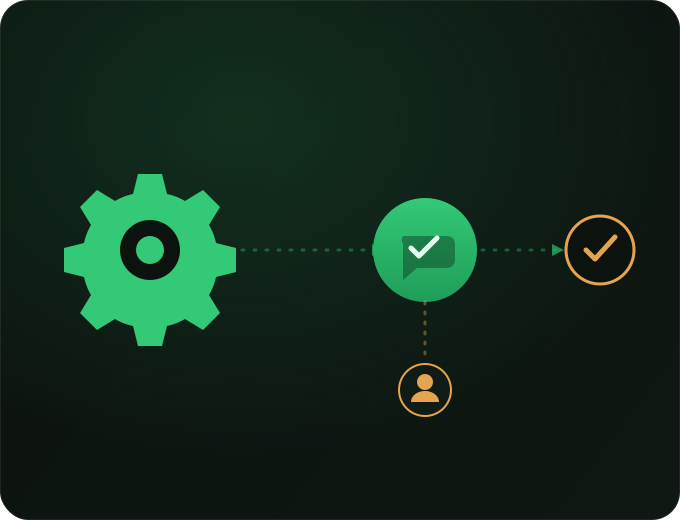
8. On approval, the ledger updates itself. Journal Entries post to ERPNext automatically. Company-paid expenses (petty cash) are expensed immediately; employee-paid expenses are held and settled when the reimbursement is made.
The AI reads. The code decides. Every AI response is stored verbatim, so every figure on the ledger traces back to something a human can inspect.
"AI reads, code decides" - why this is the whole design#
This is the principle the app is built around, and it is the reason I trust it near a general ledger.
Language models are wonderful at reading a smudged carbon-copy receipt and terrible as a source of truth for a financial decision. So the boundary is drawn hard: the model's only job is to turn pixels into structured data. Everything that matters - whether an amount is valid, whether the VAT reconciles, whether this is a duplicate, whether it posts to the ledger - is decided by deterministic code you can read line by line.
And every raw AI response is stored verbatim. If a figure is ever questioned, you can pull up exactly what the model returned and exactly which rule accepted it. That is what makes an AI system safe to put near money: not a cleverer model, but a clear, auditable line between what the AI suggested and what the system did.
Guards against duplicates and fraud#
Because expenses are exactly where quiet fraud and honest duplication happen, the guards are layered:
- Exact duplicates are caught by SHA-256 - the identical file cannot be filed twice.
- Near-duplicates - the same receipt photographed again at a slightly different angle - are caught by perceptual hashing.
- Cross-checks compare the extracted vendor, amount, and date against recent captures, so the same purchase submitted from a fresh photo still trips a flag.
None of this depends on the AI being honest or consistent. It is arithmetic and hashing - the kind of thing that behaves the same way every time.
When the AI is unsure, it escalates#
The first read is done by a fast, cheap model. When its confidence on a receipt comes back low - bad lighting, a faded till roll, an awkward angle - the system does not just accept a shaky answer. It automatically escalates the same image to a stronger model for a second, more careful pass.
You get the economics of the cheap model on the 90% of receipts that are easy, and the accuracy of the strong model on the hard 10% - without a human deciding which is which.
And when something transient fails - the AI endpoint hiccups, the network drops - the job does not vanish. It retries on a backoff schedule (1 minute, then 5, then 15, then an hour), so a momentary outage becomes a short delay rather than a lost receipt.
The accounting model#
This is the part most "receipt scanner" tools skip, and it is the part that actually matters, because a photo turned into a spreadsheet row is not bookkeeping. UpeoXpense posts real double-entry Journal Entries into ERPNext, and it handles the two settlement paths a real business has:
- Company-paid (petty cash). The business already spent the money, so on approval the expense is recognised immediately - the expense account is debited and the cash/bank account credited. Done.
- Employee-paid (reimbursable). The staff member is owed money. On approval, the expense is recognised but held against a payable to the employee; when the reimbursement is actually paid, that liability is settled. The books reflect reality at each step - the expense when it is incurred, the cash when it moves.
Because this writes straight into ERPNext, there is no silo, no export, no second system to reconcile. The finance team keeps working in the ERP they already use; the ledger simply fills itself in. This is what AI running inside the system looks like in practice - the labour disappears, the oversight stays.
The tech stack#
For the engineers, here is what it is actually built on.
- Framework: Frappe Framework (v15/v16), ERPNext, and HRMS. Employees, accounts, and Journal Entries are ERPNext-native, so nothing is bolted on the side.
- Backend: Python 3.10+, with Frappe's background workers and scheduler, Redis queues, and MariaDB. The heavy work - AI calls, image hashing, posting - runs off the request cycle so WhatsApp replies stay instant.
- AI: Anthropic Claude vision - Claude Haiku 4.5 for the first pass, escalating to Claude Opus 4.8 on a low-confidence retry. The provider sits behind a small isolation layer, so it can be swapped for OpenAI, Gemini, open-weights, or an on-prem model without touching the rest of the app.
- Messaging: WhatsApp via the WAClient gateway (Baileys events), including the fiddly part - decrypting WhatsApp's end-to-end-encrypted media (HKDF + AES-256-CBC) to get the actual image. Messaging is isolated behind just two functions, so WAClient can be replaced with Meta's WhatsApp Cloud API, Twilio, or another gateway.
- Imaging: Pillow for preprocessing, plus the
cryptographylibrary for the media decryption. - Frontend: a Vue 3 single-page dashboard, bundled through Frappe/esbuild
(
bench build), for the approval queue, live spend analytics, categories, and settings. - Accounting: ERPNext Journal Entries, with the two settlement paths above.
// What the AI returns for one receipt - read only, stored verbatim, then
// handed to deterministic code that decides what (if anything) to do with it.
{
  "vendor": "Total Kenya - Kilimani",
  "date": "2026-07-19",
  "currency": "KES",
  "amount": 4640.00,
  "vat": 640.00,
  "kra_pin": "P051XXXXXXA",
  "etims_invoice": "0060012345000001234",
  "payment_method": "M-Pesa",
  "line_items": [
    { "description": "Diesel", "qty": 40, "amount": 4000.00 }
  ],
  "confidence": 0.94
}
The isolation layers are not decoration. They are the reason this same pattern can run on a different model, a different channel, or even a different back-office system with a contained change rather than a rewrite.
Who it is for, and how to adapt it#
Anyone running ERPNext, anywhere in the world. Not Kenya-only.
The Kenyan tax features - KRA PIN capture, 16% VAT reconciliation, eTIMS invoice numbers, M-Pesa as a payment method - are built in because that is the ground I build on, but none of them are required. Turn them off and it is a clean, currency-agnostic expense app for any company.
And because of those isolation layers, the stack is swappable end to end:
- A different AI model - because the provider sits behind one small layer.
- A different WhatsApp gateway - Meta Cloud API, Twilio - because messaging is two functions.
- A different back-office system - the same "capture, read, validate, approve, post" pattern is not married to ERPNext.
If you want a variation on a different stack, that is exactly the kind of thing we build and run - not just write about.
Open source, and where to go next#
UpeoXpense is MIT-licensed and open on GitHub: github.com/Upeosoft-Limited/upeoXpense. Clone it, read the code, run it on your own bench, and see the "AI reads, code decides" boundary for yourself.
If you would rather we set it up - on your ERPNext, your WhatsApp number, your model of choice, or an adaptation to your own back-office system - book a call and tell us what you run. We will be honest about whether it fits.
A few related reads if this is the sort of thing you are weighing:
- I gave it a photo of a delivery note. Watch. - the messy-paper reading this depends on, shown on real paper.
- Putting AI on your own documents without it making things up - grounding AI in your real data, the same discipline applied to documents.
- What it looks like when AI runs inside the system - the broader picture of AI acting inside your process, safely.
- The five stages of AI adoption - where a system like this sits on the climb.
Snap a receipt. Let the ledger update itself. That is the whole idea.