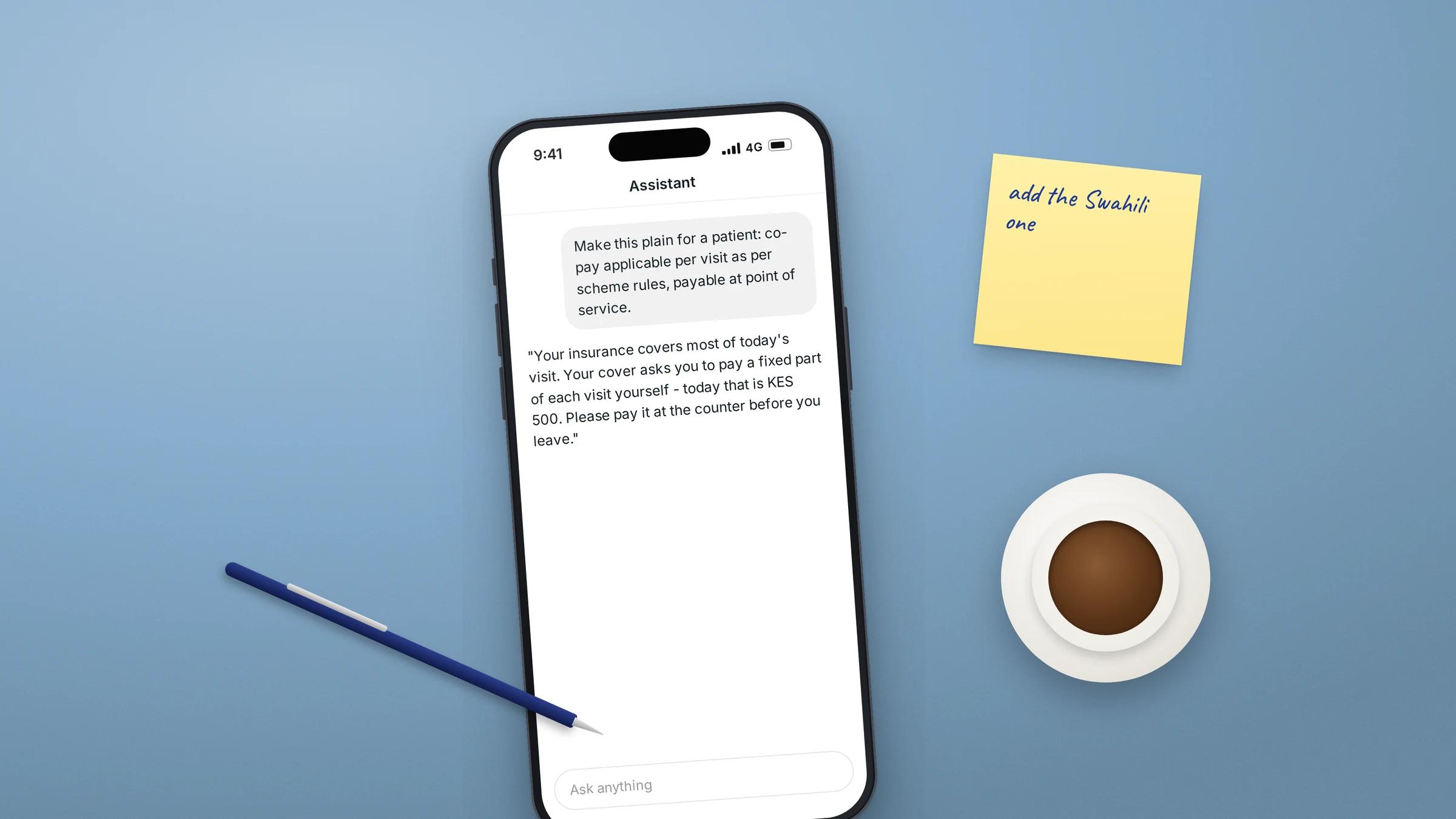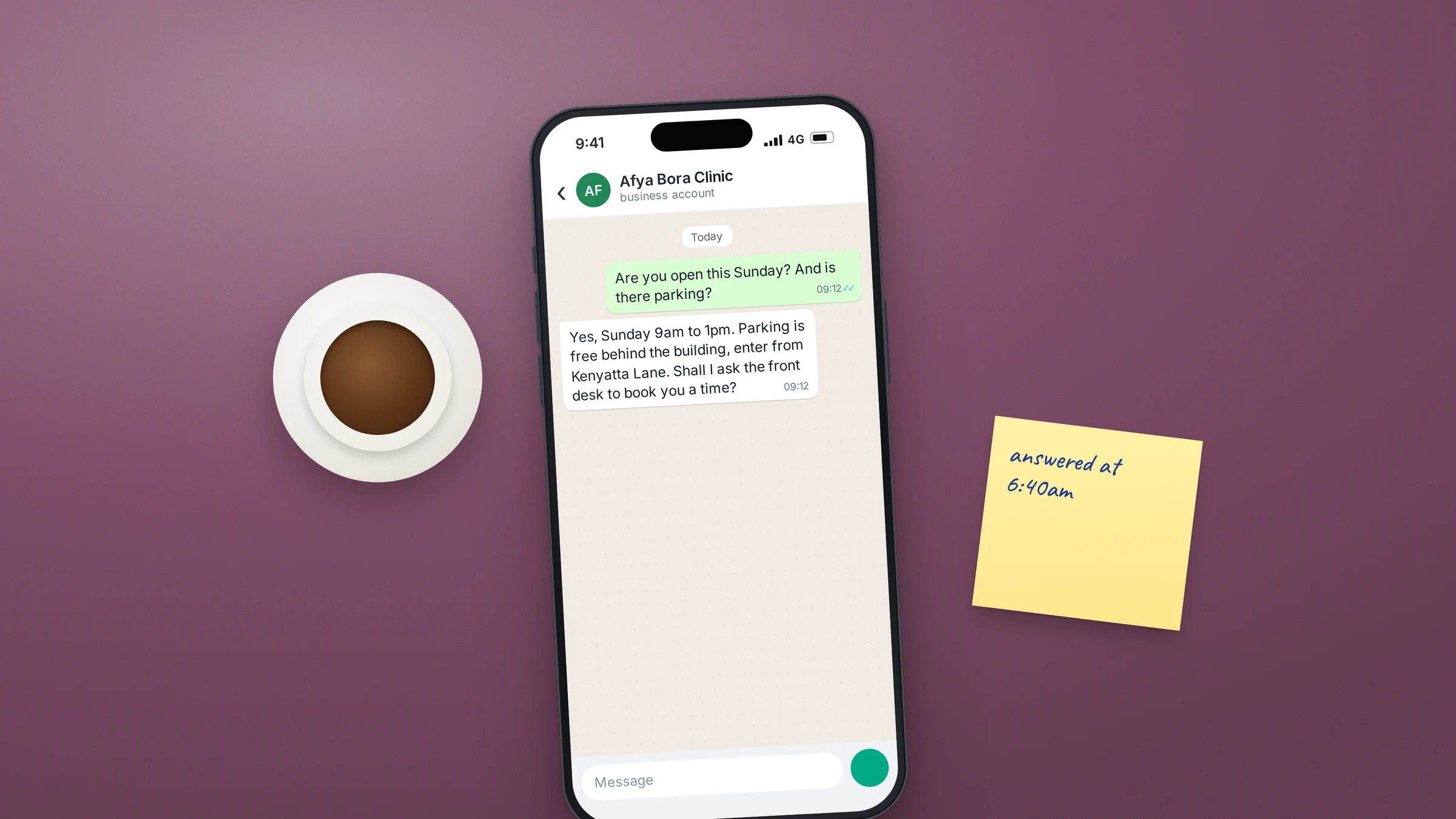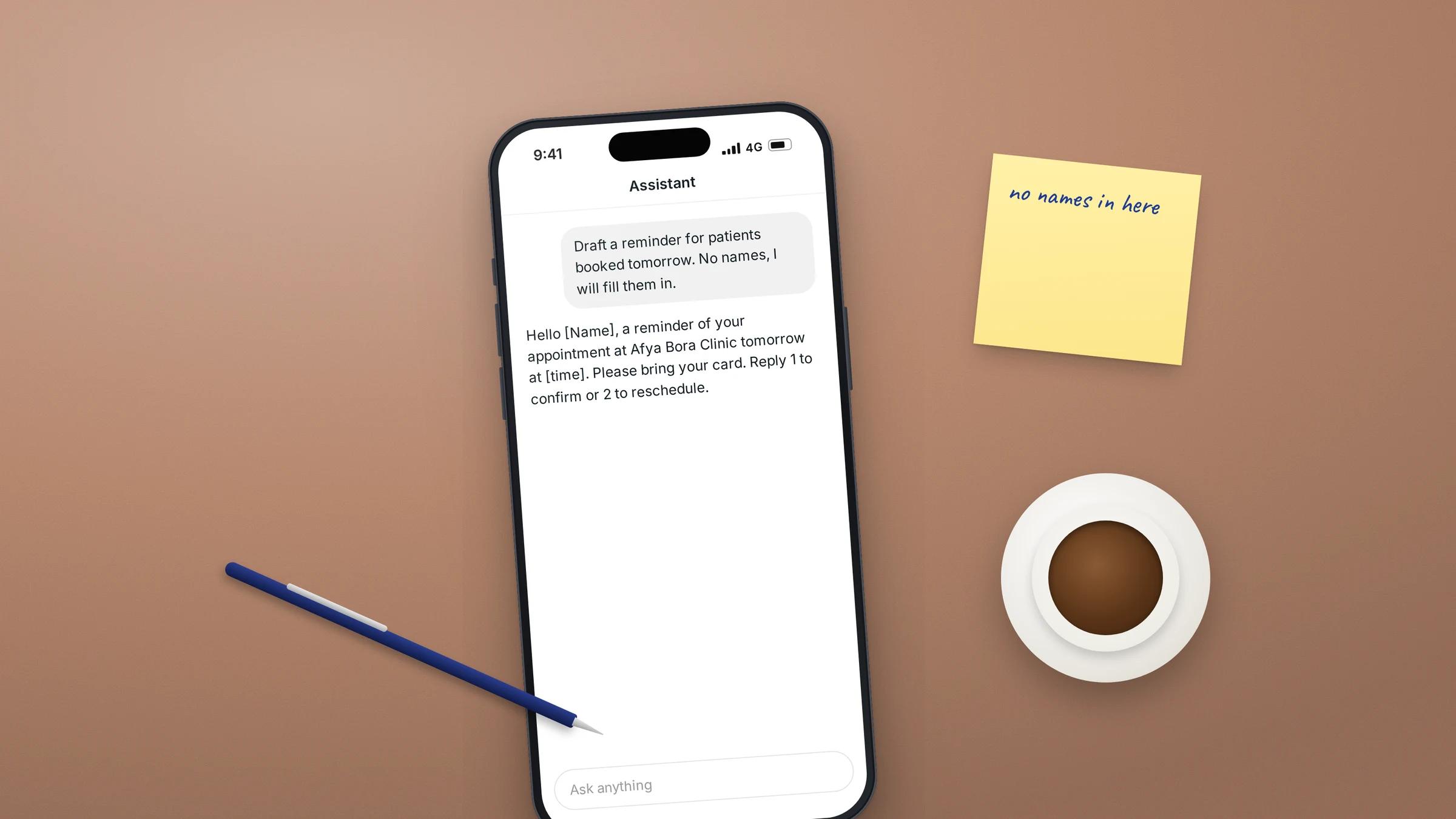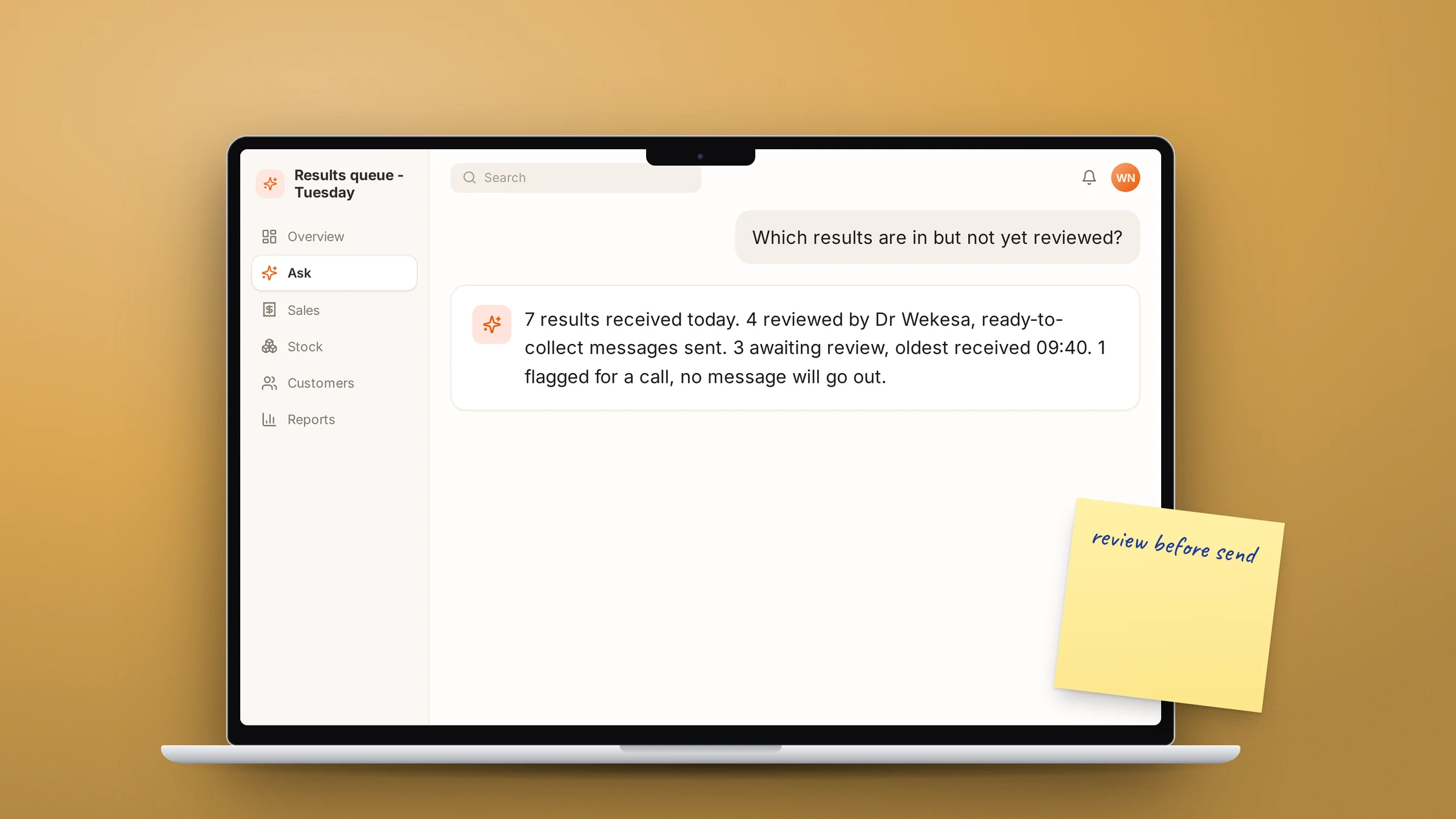
Take an illustrative clinic in Kakamega, where results from the partner lab arrive throughout the day. Say the process is this: the receptionist saw the result come in, called or texted the patient to say it was ready, and the patient came back to see the clinician. It works, mostly. But now and then, a patient arrives anxious because the receptionist, trying to be kind, has said something on the phone like "it looks fine" or "the doctor will want to talk to you about this one".
The receptionist is not careless. The process gives her a job that should never have been hers: being the first person to see a result and decide what to say about it. When a clinic thinks about automating results notifications, that is the problem to fix first, before any software.
Separate the result from the message#
There are two different things that are easy to mix up:
- The result: the clinical information. Only clinicians interpret it, and only clinicians decide how and when the patient hears what it means.
- The notification: a message that says "your results are ready, please come in" or "please book a review". It contains no clinical content at all.
Automation is only ever allowed to send the second, and only after a clinician has seen the first. A good notification could be read aloud in a waiting room without telling anyone anything private:
Hello, this is Afya Njema Clinic. Please call us or visit to arrange your review. Reception is open 8am to 6pm. Reply 1 if you would like us to call you.
No test name, no "normal", no "abnormal", no "urgent". Even "your results are ready" can be too much if someone else reads the patient's phone, so many clinics prefer a neutral "please contact us".
The order of work#
Write the flow down, with a role against every step:
| Step | Who | What |
|---|---|---|
| 1 | System | Result arrives from lab and is attached to the patient's record, status "Awaiting review" |
| 2 | Clinician | Reviews, decides: routine message, phone call, or urgent contact |
| 3 | System | For routine only: sends the neutral notification, logs the time |
| 4 | Clinician or nurse | For call or urgent: contacts the patient personally; no automatic message |
| 5 | Reception | Books the review when the patient replies |
The key design rule is in step 2: no message can be sent for a result that is not marked reviewed. Not by reception, not by the system, not by a busy doctor clicking "send all". The review is not a checkbox at the end; it is the gate in the middle. We wrote about designing gates like this in designing approval steps for AI that writes to your records.
Where AI fits, and where it does not#
At stage 3 of the NGAZI ladder, AI works inside the workflow. In a clinic, that should mean administrative help only:
- Yes: keeping the "awaiting review" list visible and reminding the clinician when something has waited more than a set time; sending the neutral message once a result is marked routine; handling replies like "1" or "call me tomorrow" and adding them to reception's list; translating the neutral message into Swahili.
- No: reading the result, summarising it, sorting results by how worrying they look, drafting what to tell the patient, or answering a patient's question about their result.
The second list is not "later, when the AI improves". It is a line. Our general position on clinics is in patient privacy: what AI must never do in a clinic.
What to log, and why#
Every notification should leave a trace: which result, who reviewed it and when, which message was sent, to which number, at what time, and whether it was delivered. Patients do sometimes say "nobody told me", and the clinic needs to be able to answer accurately. The log also shows where the delays are. If results routinely wait two days for review, that is a staffing question the log makes visible.
Two more safeguards worth having:
- Confirm the number at every visit. Messages to an old number are a privacy risk, not only a delay.
- A daily "unsent" check. Any reviewed result with no notification and no personal contact after a set time goes on a list for a person.
What to do this week#
Draw your current results process on one page with a name against each step. Circle every point where someone other than a clinician sees a result first or says anything about it to a patient. Those circles are what to fix, with or without software. Then write your neutral message, agree it with your clinicians, and use it as the only wording reception sends.