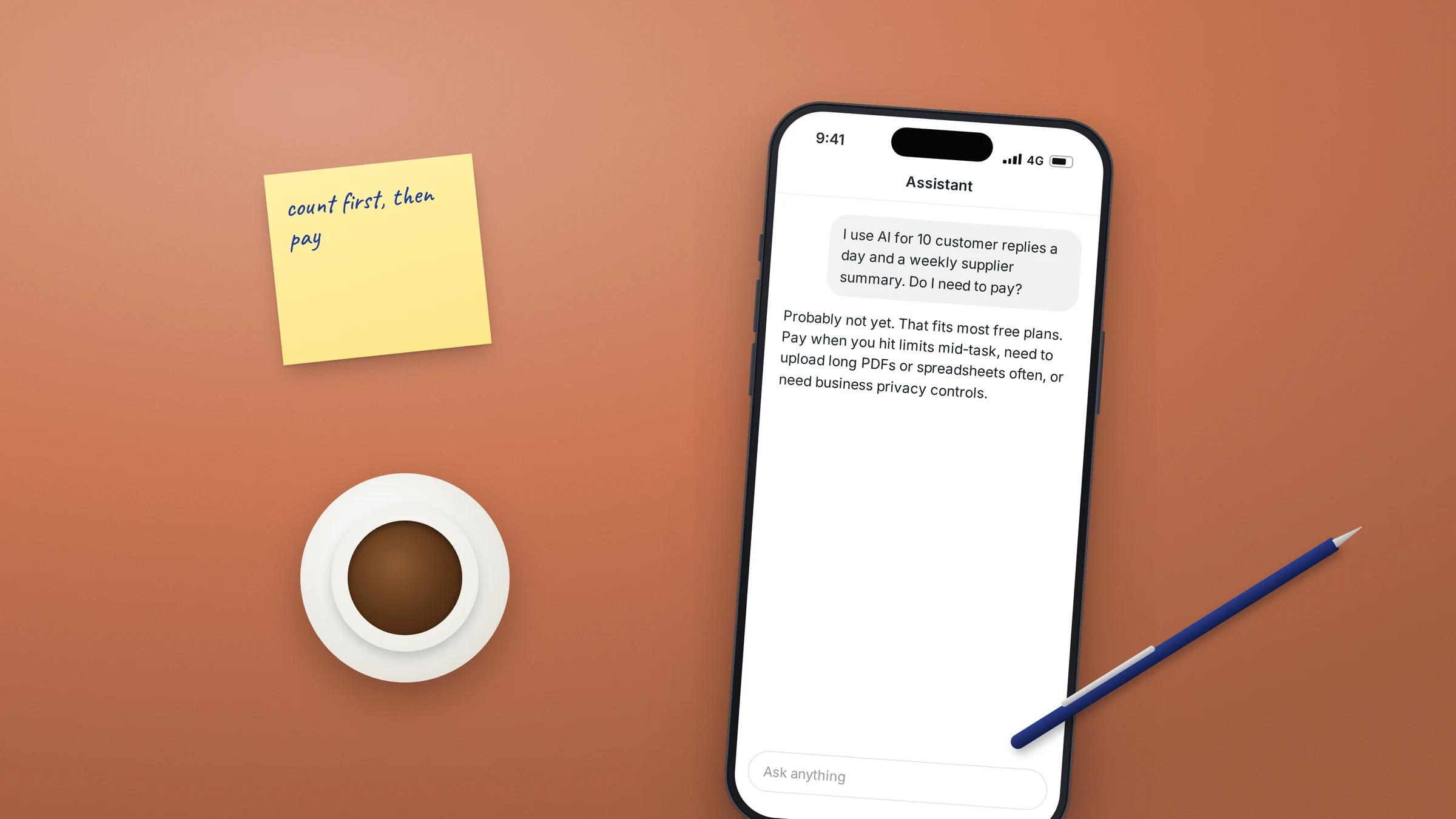
Take Daniel, an example owner of a small electrical supplies shop in Eldoret. He uses a free AI assistant most days: replies to customers, a summary of supplier emails, now and then a letter. A friend tells him he is "wasting his time on the free one" and should pay. Another friend says the free one is the same thing. Daniel wants to know which friend is right before he spends money every month in dollars.
Both are partly right. The honest answer depends less on the assistant than on how Daniel works.
A note on the figure in the title: USD 20 a month is the price most owners hear quoted for the main personal paid plans. Prices and plans change often, so check each provider's own pricing page before you decide.
What paying usually adds#
Each provider packages things differently, and the details move, but the differences between free and paid personal plans have tended to fall into a few areas:
Usage limits. Free plans cap how much you can use the assistant in a period, and the cap is often lower for the strongest model. If you have ever been halfway through a task and been told to come back later, that is the limit.
Files and long documents. Uploading spreadsheets, PDFs and photos, and working on longer documents in one go, is often limited or rationed on free plans. For a business, this is frequently the main reason to pay.
Stronger models. Paid plans usually give more access to the provider's most capable model. For a short customer reply, you may not notice the difference. For reasoning through a long supplier contract or a messy spreadsheet, you often will.
Extra features. Things like saved projects, custom instructions shared across chats, or voice. Useful, rarely decisive.
What paying does not add#
It does not make the assistant know your business. A paid assistant still has no idea what your prices are, who your customers are or what you sold yesterday, unless you tell it. A clear brief on a free plan beats a vague one on a paid plan every time. If your answers disappoint, read our guide on briefing an assistant like a new employee before reaching for your card.
It also does not make the assistant right. Paid models still make confident mistakes with numbers, names and dates. You still check.
When free is enough#
Free is usually enough when:
- You use the assistant for a handful of short tasks a day: replies, summaries of pasted text, short letters.
- You rarely upload files, or only small ones.
- You do not often hit a usage limit, and when you do, waiting is not a problem.
- One person in the business uses it.
That describes Daniel, and it describes most businesses in their first months at Stage 1 of the NGAZI ladder.
When paying makes sense#
Pay when one of these is true, and keeps being true:
- You hit the limit in the middle of real work at least weekly.
- You regularly need to work with spreadsheets, PDFs or photos of documents: supplier price lists, statements, delivery notes.
- The quality on harder tasks, such as long documents or careful reasoning, is noticeably better on the paid model when you test it on your own work.
- Several staff use AI and you need shared settings or business-level controls, in which case look at team plans, not personal ones.
A practical test: compare the monthly cost with the time it saves. If the paid plan saves two hours a month of your time, and your time is worth more than the fee, it pays for itself. If you cannot name the two hours, wait.
What to do this week#
For one week, keep a tally on your phone: each time you use the assistant, what for, and whether you hit a limit or needed to upload a file. At the end of the week, look at the tally. If there are few limits and few files, stay free and spend the effort on better briefs. If the limits and files keep showing up, pay for one month and run the same tally again. The second week's tally will tell you whether to keep paying.