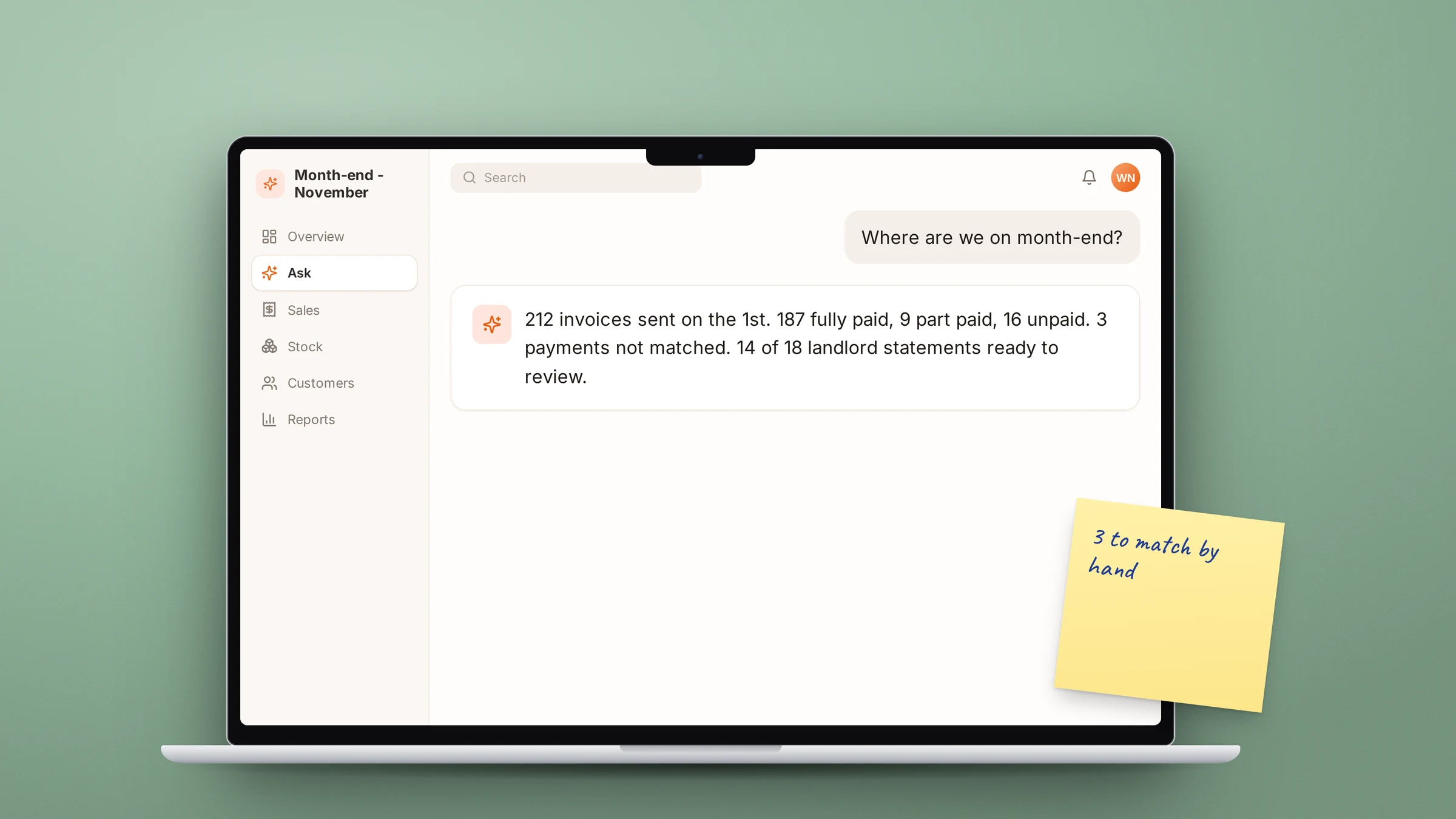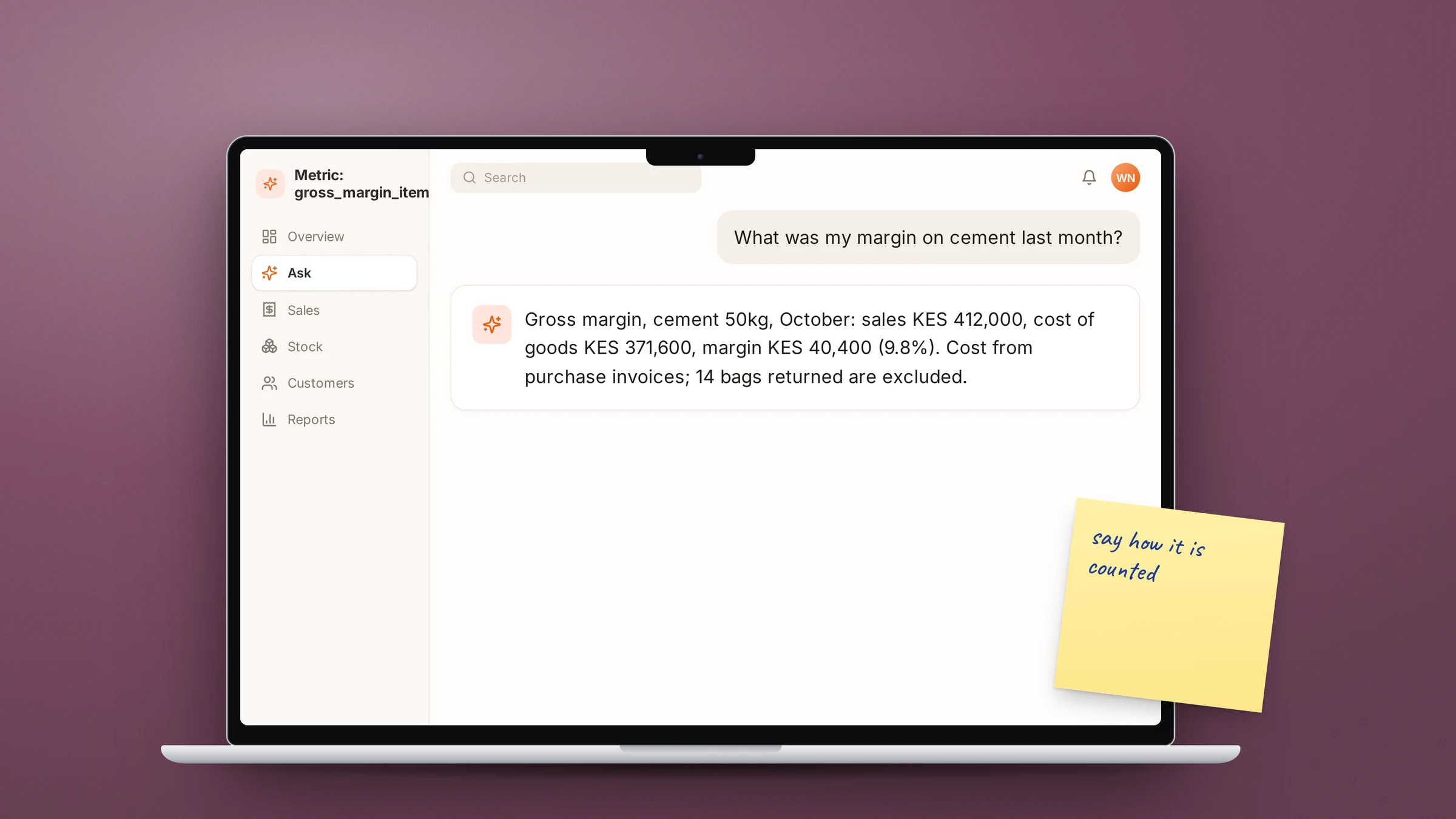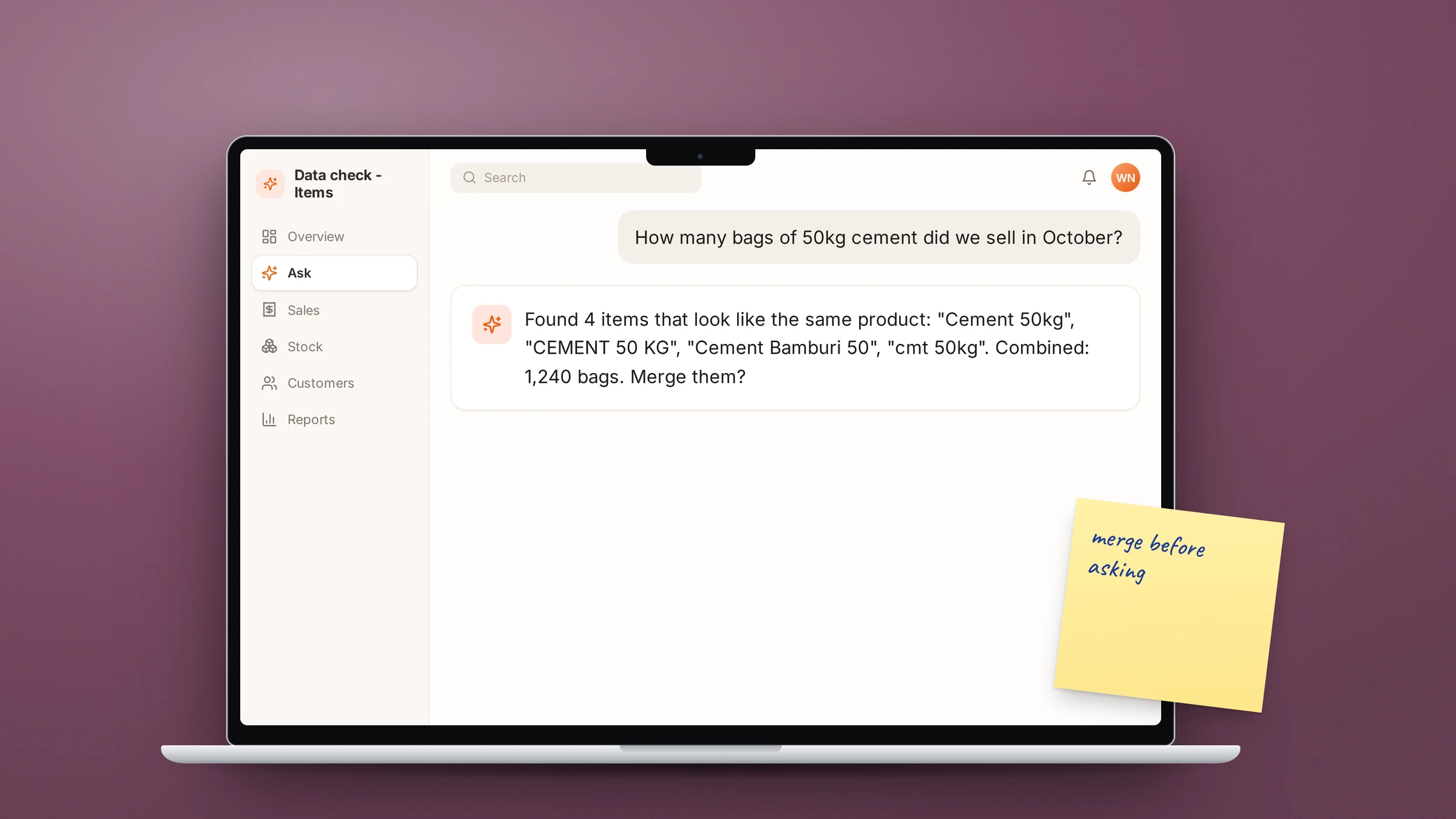
The first question a shop owner asks an AI analyst is usually a simple one. "How much cement did we sell last month?" The answer comes back confidently: 310 bags. The owner frowns. He knows it was more like 1,200. Nothing is wrong with the AI. The shop has the same 50kg bag recorded under four names, created by four different people over three years, and the question only matched one of them.
This post collects the problems we run into most often when connecting AI to real business databases, mostly ERPNext systems that have been in use for a few years. No client is named; the examples are typical rather than specific. The pattern is consistent: the database works fine for the daily job, and only shows its mess when someone asks a question across all of it.
Duplicate items and customers#
The most common problem by far. Over time, the same product gets created again because someone could not find it, or spelled it differently, or added the brand name: "Cement 50kg", "CEMENT 50 KG", "Cement Bamburi 50", "cmt 50kg". Each has its own stock, its own sales and its own price history.
The daily effect is small: sales go through. The analysis effect is large. Total sales, stock on hand, margin, reorder advice - all of them split across four records, each too small to look important.
Customers duplicate the same way, which breaks any question about who your best customers are or who owes you money.
Fix: find likely duplicates by similar names and identical prices, have a person who knows the stock confirm each group, then merge them or mark one as the master. AI is good at proposing the groups; a person must confirm them.
Catch-all records#
Many shops have a customer called "Cash", "Walk-in" or "Customer" that takes most of the counter sales. That is fine for a till. But a question like "how many customers bought paint this month?" will count "Cash" as one customer.
Items have their own catch-alls: "Misc", "Sundries", "Other". If a quarter of sales go through "Misc", no analysis can tell you what actually sold.
Fix: accept the walk-in customer for genuine cash sales, but make sure any AI answer about customers says how much was walk-in. For catch-all items, find out why staff use them, usually a missing item or a slow search, and fix that.
Documents that count when they should not#
Business systems keep drafts, cancelled documents and returns alongside real ones. A cancelled invoice is still in the database. A draft purchase order that was never sent is still there. If a query counts everything, sales look higher than they were.
This is where a careful analyst design matters: every answer should be built from rules that say exactly which documents count, written once and reused, rather than invented fresh each time. We wrote about that approach in building Rai's metric catalog, and about why the alternative produces confidently wrong numbers.
Units, dates and missing costs#
Three smaller problems cause outsized confusion:
- Mixed units: one item sold by the piece and the box, or by the metre and the roll, without conversions set up. "How many did we sell?" has no single answer.
- Wrong dates: sales entered days late with the entry date instead of the sale date, or a backlog typed in at month-end. Daily and weekly trends turn into nonsense.
- Missing purchase costs: items received without a cost, or with a placeholder of 1. Margin answers for those items are meaningless.
Each one is invisible in daily use and obvious in analysis.
What to do before you connect anything#
Most of the clean-up is ordinary bookkeeping work, and it pays off whether or not you ever use AI. Before connecting an analyst, spend a few hours on:
- A list of your top 100 items by sales, checked for duplicates.
- The share of sales going to catch-all items and the walk-in customer.
- A count of items with no purchase cost or a placeholder cost.
- Whether cancelled and returned documents are clearly marked.
Then ask your first AI questions about figures you already know, such as last month's total sales, and compare. When the answers match, start asking the questions you cannot answer yourself.
The first month of an AI analyst is mostly a data audit, and that is time well spent.
What to do this week#
Search your item list for your three best-selling products, using a short part of each name. Count how many separate records come up for each. If any has more than one, you have found the first thing to fix, and the reason any total for that product has been lower than you thought.