Take Wambui, who sells water tanks and plumbing fittings in Kiambu. She is excellent with customers in person and on the phone, and she hates typing. So when a customer writes on WhatsApp asking about a 5,000-litre tank, she does what feels natural: she presses the microphone and talks for two minutes. Price, delivery, a story about the last customer who chose the wrong size, a reminder about the stand.
The customer, who is at work, cannot play it. By the time he listens that evening, he has already bought from someone who replied in three lines.
Wambui's thinking was right. Her format was wrong. This is a small, practical use of AI at Stage 1 of the NGAZI ladder: keep talking, and let an assistant turn the talking into writing.
Step 1: Record for yourself, not the customer#
The trick is to change who the voice note is for. Instead of sending it to the customer, record it into the assistant, or into your own "notes to self" chat, and talk freely. Mix English and Swahili if that is how you think. Say the price, the date, the condition, the thing you want the customer to do next.
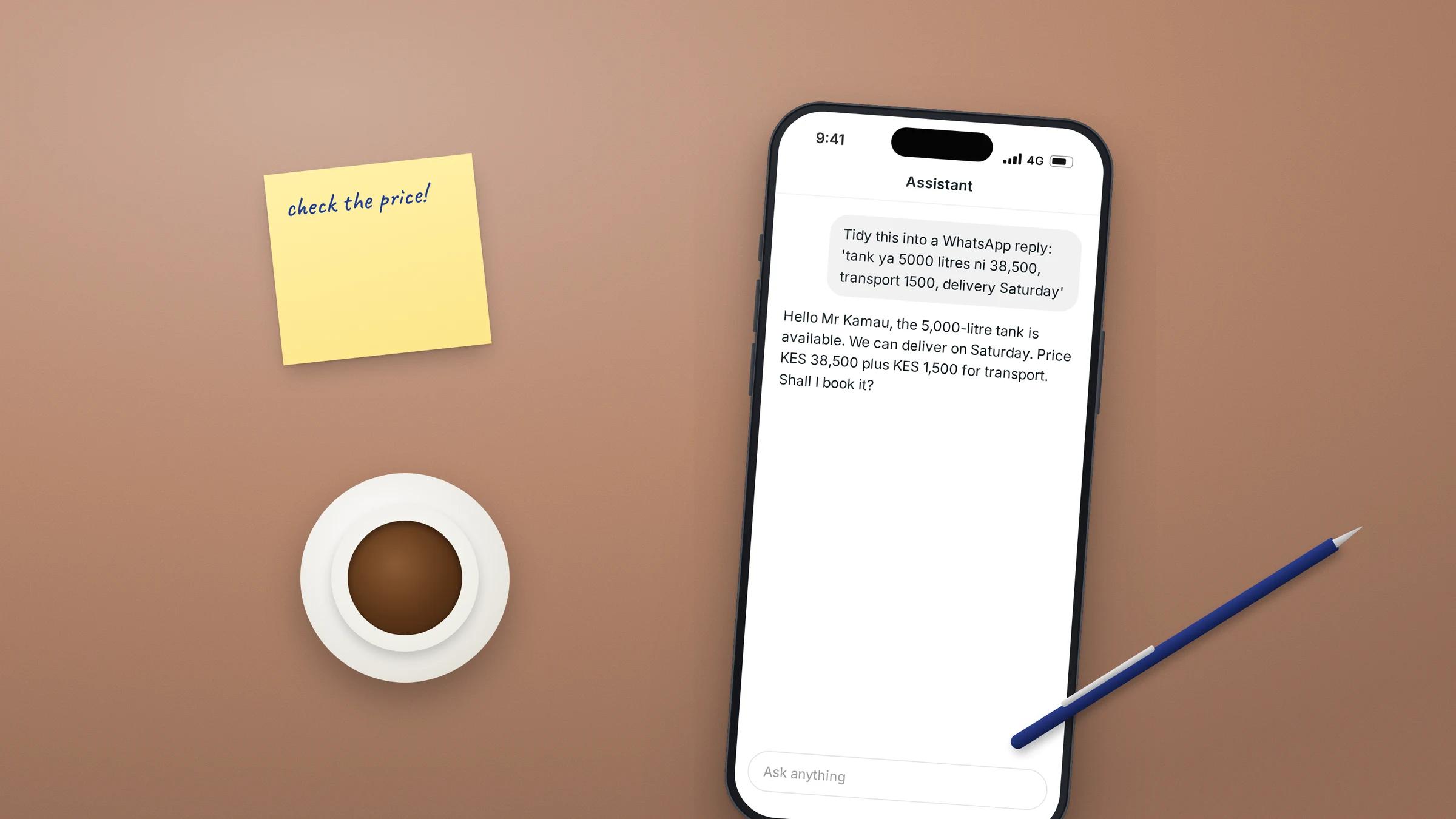
Talk as if briefing a colleague who will write the message for you: "Tell him the tank is available, 38,500, transport 1,500 to Ruiru, we deliver Saturday, he needs a stand if he doesn't have one." That is all the content a reply needs.
Step 2: Get the words written down#
Most AI assistant apps on a phone accept voice directly and write out what you said. Your phone's keyboard can also type as you speak. Either works. What matters is that you end up with text you can see.
Read the transcription quickly. Numbers are where it goes wrong most often: "fifteen hundred" can become "50,100", and a mumbled "thirty-eight" can become "thirty". Names of places and products get mangled too. You are going to check these again at the end, but catching the obvious ones now saves a round.
Step 3: Ask for a tidy reply, with rules#
Now ask the assistant to turn it into a message. The instruction matters more than people expect. A good one, that you can save and reuse:
Turn my notes into a WhatsApp reply to a customer. Under 60 words. Polite, warm, plain English. Keep every price, date and quantity exactly as I said them. Do not add anything I did not say. End with one clear question.
The "do not add anything" line is there for a reason. Left to itself, an assistant likes to be helpful: it will promise free delivery, mention a warranty you never offered, or invent a discount. Your shop's word is in that message, so keep it to what you actually said.
If the customer wrote in Swahili, ask for the reply in Swahili. If you are not sure, ask for both and pick one.
Step 4: Check it like a stranger wrote it#
Before you paste the reply into the customer's chat, read it once, slowly, looking only at four things:
- Every number. Price, transport, quantity, size. Compare with what you meant.
- Every date and day. "Saturday" should be the Saturday you meant.
- Promises. Is there anything there you did not offer?
- The name. Is it the right customer, spelled the way they spell it?
This takes about fifteen seconds. It is the habit that makes the whole routine safe. Everything we say about AI at this stage comes back to the same rule: the AI drafts, you sign.
When to send the voice note anyway#
Some conversations should stay as voice. A long-standing customer who prefers to listen. An apology, where your tone carries more than the words. A complicated installation explanation, where talking it through really is clearer. The point of the routine is to give you a choice, not to ban voice notes.
What usually works best is both: a short written reply with the facts the customer will want to find later, followed by a voice note if there is more to explain. The facts are then searchable in the chat, and the warmth is still there.
What to do this week#
Pick the question you answer most often on WhatsApp. Record your usual answer as a voice note into an assistant. Run it through steps 2 to 4. Save the cleaned reply in your WhatsApp Business quick replies, or in a note, so you do not have to do it again for that question. Then do one more question each day. By Friday you have five tidy replies, written in your own words, without typing them. If you want more ready-made wording for suppliers and customers, this guide to writing messages in two minutes has examples.