Picture Juma, who runs a busy garage in Industrial Area. His hands are usually covered in grease, his phone sits on a toolbox, and the idea of typing a careful paragraph into an AI assistant is laughable. When someone tells him AI could save him time, he hears "another thing to type into", and he is right to be sceptical.
But most of what Juma needs from an assistant does not require typing. It requires a photo, a few spoken words, and an assistant that already knows what he usually wants. This is still Stage 1 on the NGAZI ladder, AI as a capable helper. It just arrives through the camera and the microphone instead of the keyboard.
The camera is the fastest prompt you have#
Assistants on phones can now read photos well enough to be useful for everyday paperwork. A photo carries far more information than most people would ever type. Things that work:
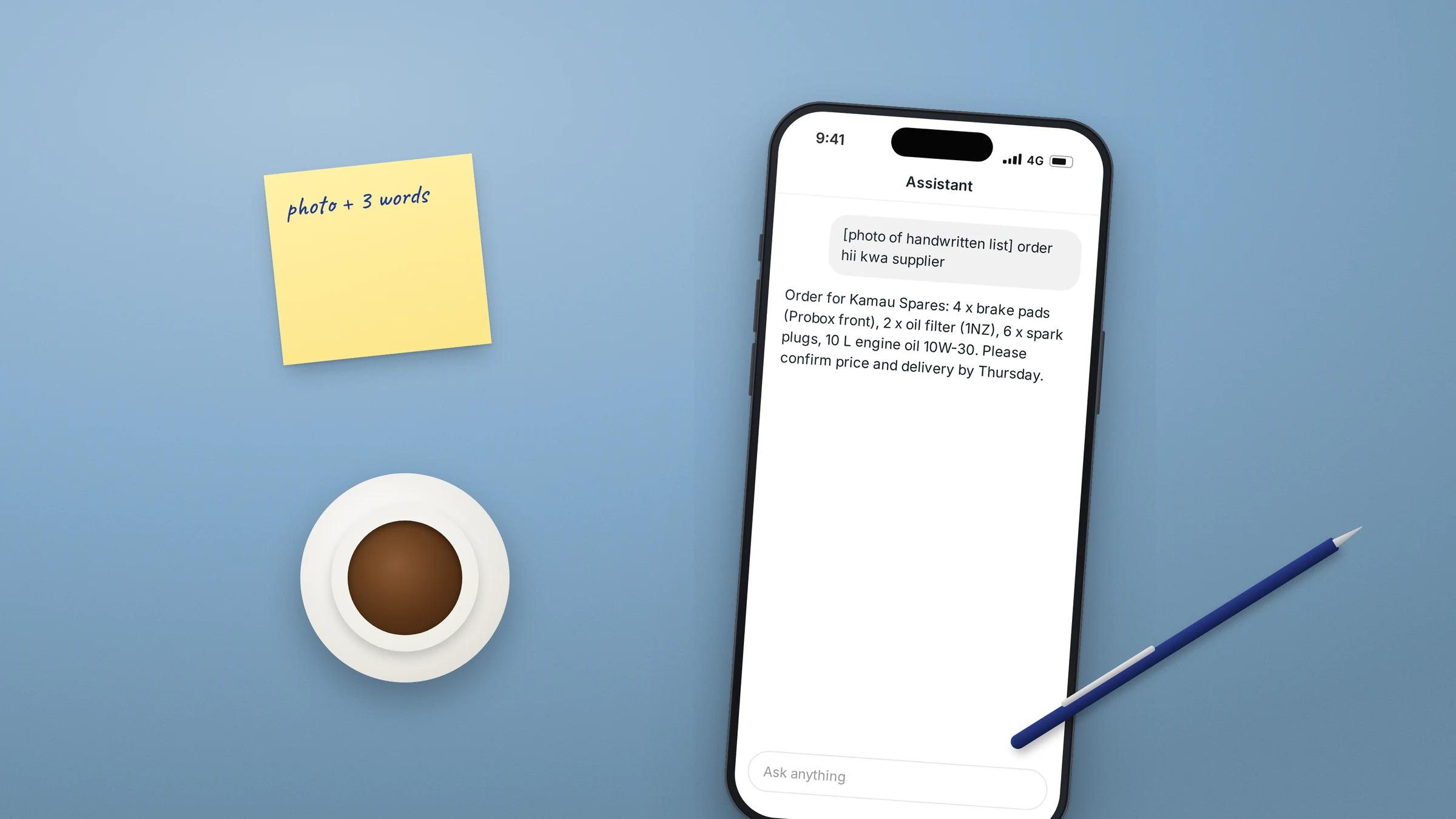
- A handwritten list. Photograph the parts list on the back of a job card and write "order hii kwa supplier". You get a typed order, ready to forward.
- A supplier invoice. Photograph it and ask "total and due date". Two numbers back, no typing.
- A shelf or a stockroom corner. "What do you see here, list it" gives a rough count you can correct, useful before a supplier visit.
- A customer's damaged part or a broken appliance label. Ask for the model number, then search for it yourself.
Photos have one big weakness: handwriting and faded paper get misread, especially numbers. Anything with a quantity or an amount must be checked against the paper before it goes anywhere. I gave it a photo of a delivery note shows how well this works on real paper, and where it slips.
Talk instead of type#
Most phone keyboards have a microphone key that turns speech into text, and most assistant apps accept voice directly. Speak the way you would to a colleague: "write to Kamau, we need the brake pads by Thursday or we lose the job". Mix Swahili and English if that is how you think. The assistant handles the mix better than most people expect.
For longer answers to customers, there is a fuller routine in turn a voice note into a tidy WhatsApp reply. For quick jobs, one spoken sentence is enough.
Save your instructions once, then use three words#
The reason typed prompts get long is that you have to explain yourself every time: who you are, what tone, what language, how long. Do that once and save it.
Many assistant apps let you set standing instructions about yourself, or create a saved project with its own instructions. Write it once, by voice if you like:
I run a motor garage in Nairobi. My suppliers are Kamau Spares and Rafiki Auto. When I send a photo of a list, make it a polite order message. Keep replies under five lines. Use plain English unless I write in Swahili. Never guess a price.
After that, "order hii", "reply to this customer" or "kwa Swahili" is a complete instruction, because the rest is already there.
Habits that make it stick#
Keep one assistant chat per job type. One for supplier orders, one for customer replies. The history in each becomes your examples.
Put the assistant on your home screen, next to WhatsApp. If it takes three taps to open, you will not use it with greasy hands.
Forward, do not retype. When the assistant's draft is right, copy it straight into WhatsApp. When it is nearly right, say what to fix rather than fixing it yourself.
Check numbers out loud. Read the quantities and prices aloud against the paper before sending. It takes ten seconds and catches the misreads.
What not to hand over#
Phone-first does not change the basic rule: the assistant drafts and you decide. Keep money decisions, anything a customer will rely on as a promise, and anything involving personal information about customers or staff under your own eyes. And do not photograph documents with ID numbers or bank details into a general-purpose assistant.
What to do this week#
Write your standing instructions, by voice, in five sentences: your business, your main suppliers or customers, your usual tone, your language, and "never guess a price". Save them in your assistant. Then, every time you would normally type an order or a reply this week, take a photo or speak a sentence instead, and count how many you managed by Friday.