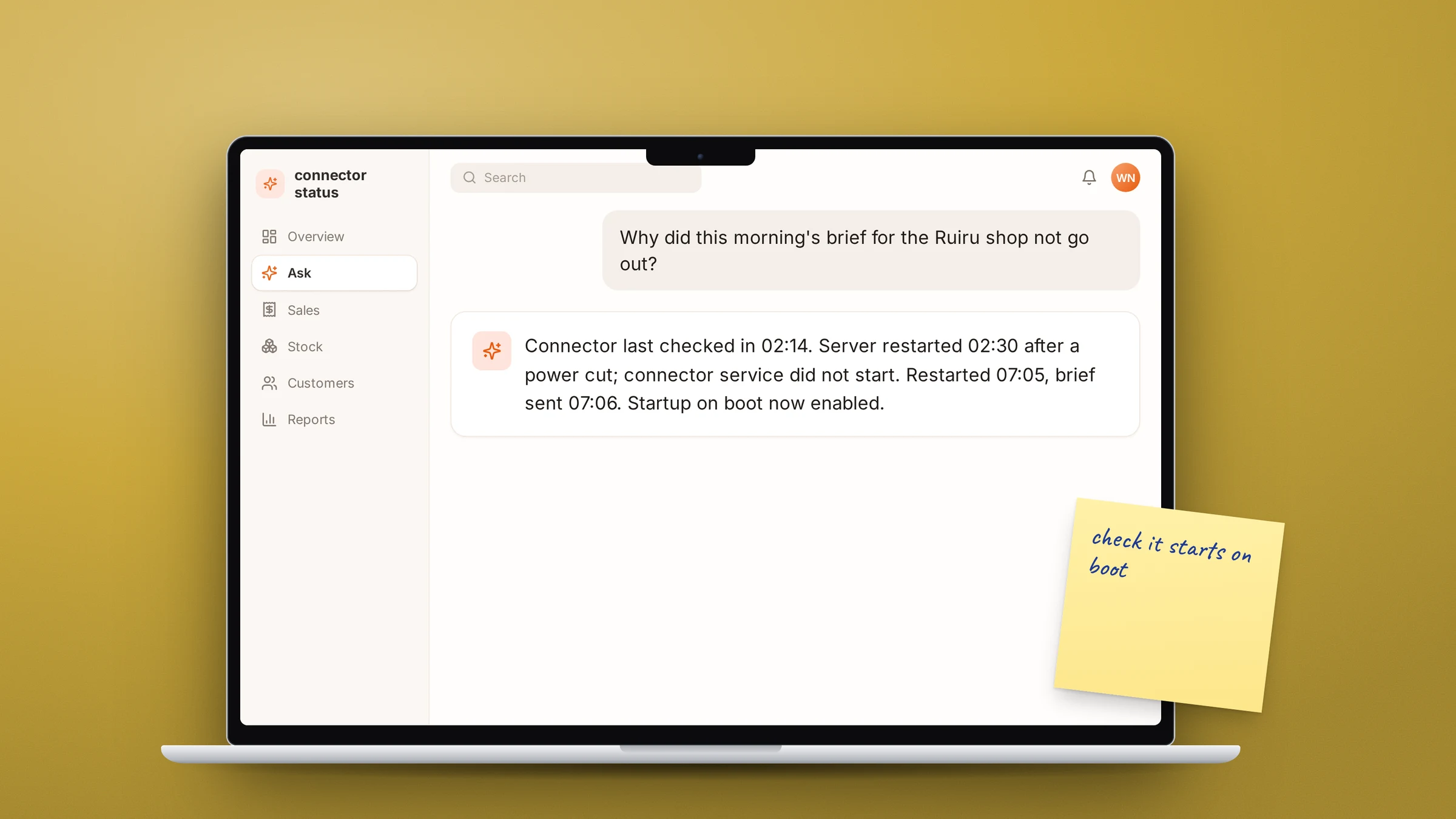
Picture the call that every on-premise vendor gets sooner or later: an owner has not received his morning brief. The hosted side of the system looks perfectly healthy. The problem is a hundred kilometres away, on a small server in a back office, which restarted after a weekend power cut and came back up without the connector running.
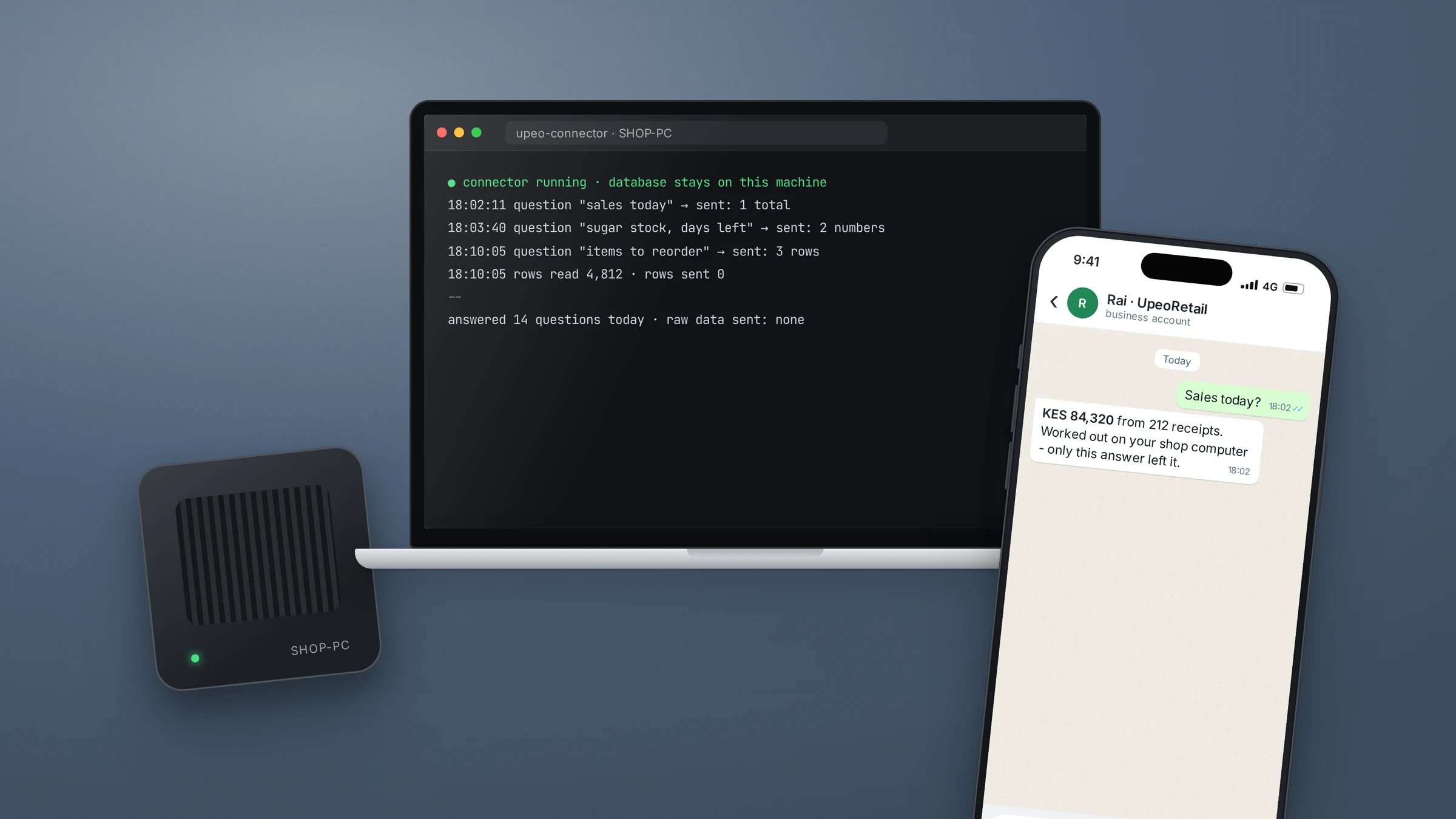
That is the reality of software that lives on a client's own machine. Rai, the AI analyst inside UpeoRetail, is split in two: a hosted brain that decides what to ask, and a thin connector installed on the client's server, next to their database, which runs the query locally and returns only the computed result. We described the split and why it protects client data in your business data never leaves your server. This piece is about the less glamorous side: what it takes to run code on hardware you do not control. The lessons apply to any on-premise agent, not only ours.
Keep the connector thin on purpose#
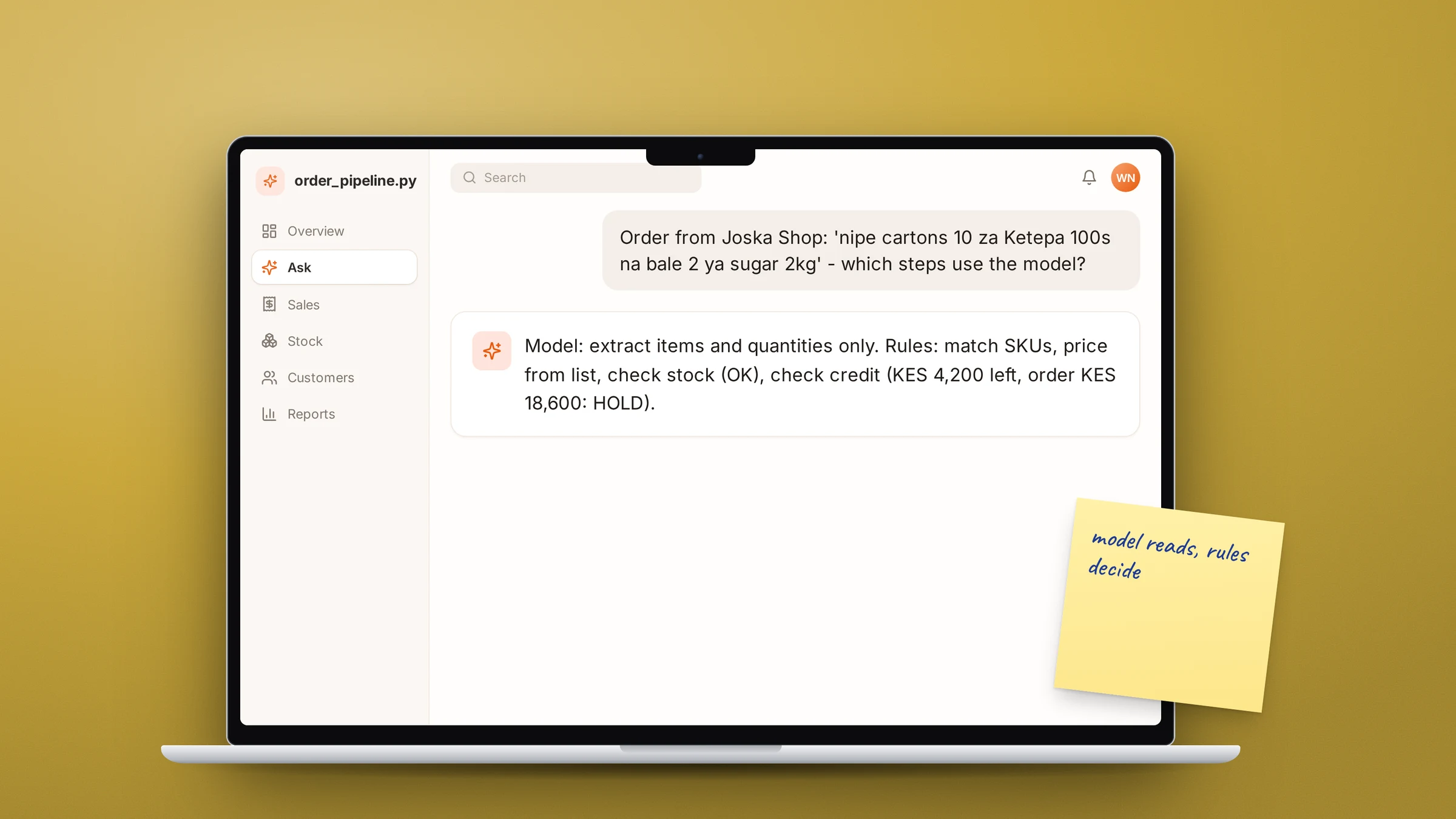
The connector does four things: proves who it is, receives a plan describing what to fetch, runs that plan against the local database, and sends back the result. It holds none of the reasoning.
That thinness is a privacy and IP decision, but it is also an operations decision. Every line of code on a client's server is a line you must update across many machines, on networks you do not manage, with versions that drift. The less the connector does, the less often it needs to change. When we improve how Rai answers a question, the change happens in the brain, and every client gets it at once without anyone touching their server.
A useful test for any on-premise component: if a feature can live on the hosted side, it should.
Least privilege, enforced by the database#
A connector that only ever reads should be unable to write, and that should be enforced by the database, not by good intentions in code.
General practice for this kind of component:
- A dedicated database user for the connector, with read access to the tables it needs and nothing else. If a bug or a bad plan ever asked for a write, the database refuses.
- No shell access, no file access beyond its own configuration and logs.
- Plans validated before they run. The connector checks that a plan is well-formed and within its allowed scope, rather than running whatever it receives.
- Credentials that can be revoked from either side without reinstalling anything.
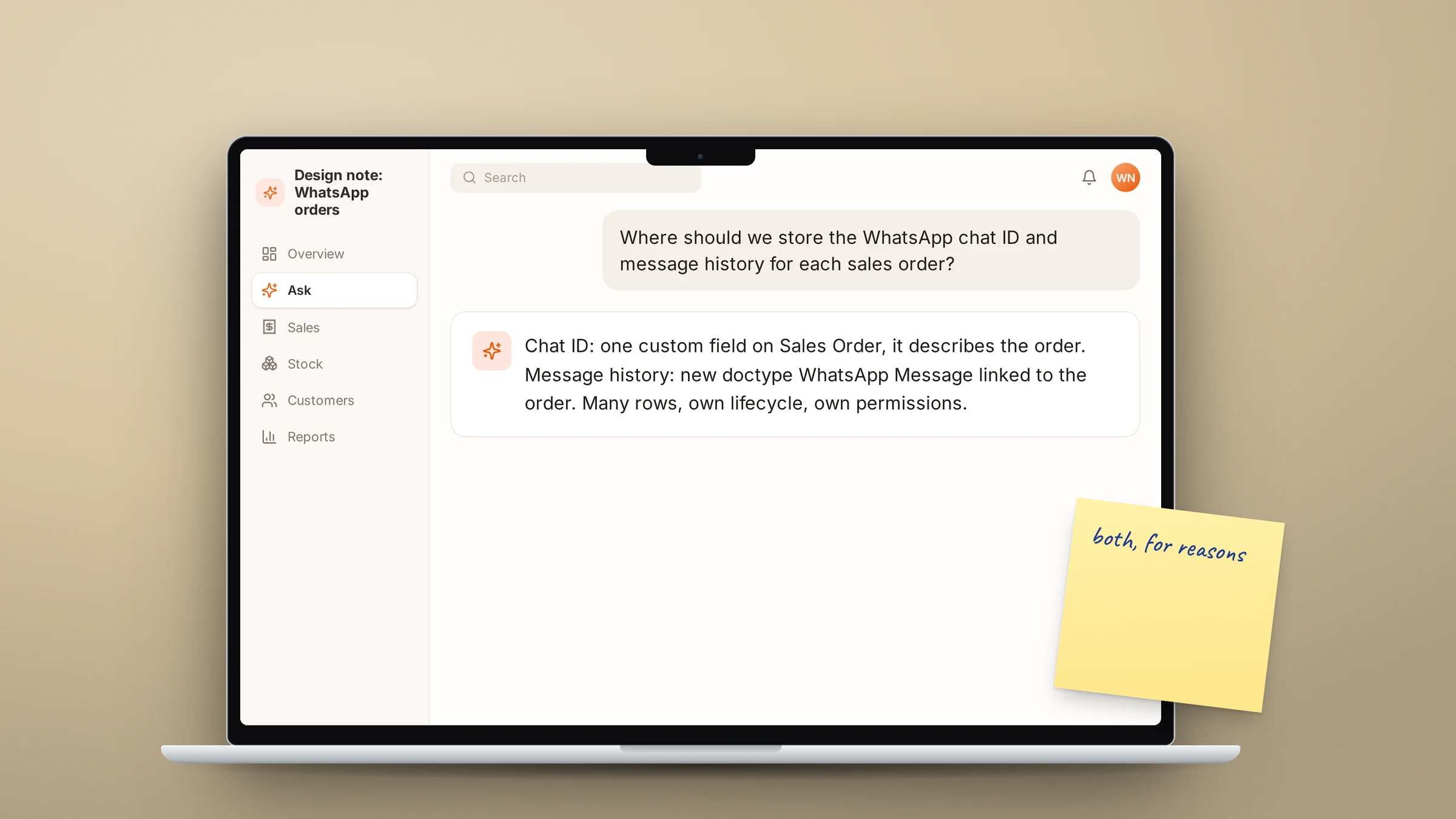
Where an action does need to change data, such as a draft purchase order the owner approves, it should go through the business system's own permission model, as the user who approved it. That is the principle in no silent writes.
Expect the server to misbehave#
Client servers are not data centres. Plan for:
- Power cuts and restarts. The connector must start on boot and recover without anyone logging in. The opening example is exactly this failure.
- Slow or dropped internet. Requests should time out cleanly and retry, and the hosted side should tell the owner "your shop's server is not reachable" rather than give a wrong or empty answer.
- Busy databases. A heavy report run during trading hours should not slow down the till. Queries need time limits, and expensive ones are better scheduled for quiet hours, such as before the morning brief.
- Clock drift. A server clock that is wrong by twenty minutes breaks authentication and confuses logs. Check time sync at install.
Updates without surprises#
Even a thin connector needs updates: a new version of the business system changes a table, or a security fix is required. Rules that keep updates boring:
- The brain supports more than one connector version at a time, so clients can update over days, not all in the same hour.
- Updates are small and reversible. Keep the previous version installed so rolling back is a restart, not a reinstall.
- Update when the shop is quiet, and never during month-end close.
- Test against real schema variations. Two sites on the same business system can still differ in custom fields and versions. The one thin module that translates canonical questions into that system's tables is where those differences live, and it deserves the most tests.
What this means if you are the client#
If any vendor installs software on your server, ask them five questions: what can it read, can it write, how do I see that it is running, how is it updated, and how do I switch it off. Clear answers to all five are a good sign. Vague answers are a reason to wait.
What to do this week#
If you run any on-premise agent, ours or anyone's, restart the server on purpose at a quiet time and check that every service comes back on its own. Then confirm which database user the agent uses and what it is allowed to do. Both checks take under an hour and catch the two most common surprises.